 Câbles Cat5e
 Câbles Cat6
 Câbles Cat6a
 Câbles Cat8
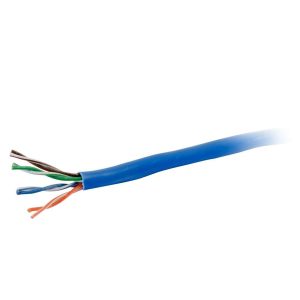 Câbles Ethernet en vrac
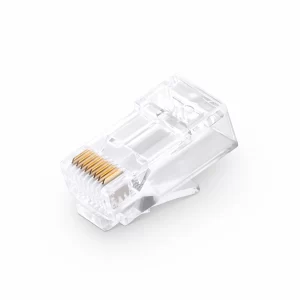 Connecteurs et prises
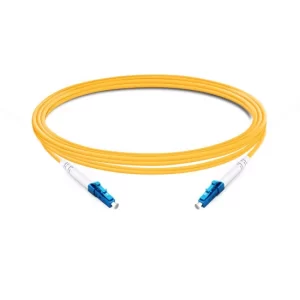 OS2 Singlemode Simplex
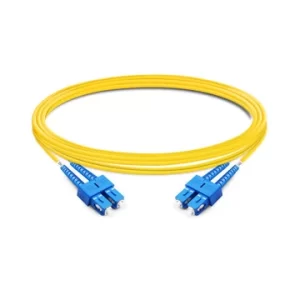 OS2 Duplex monomode
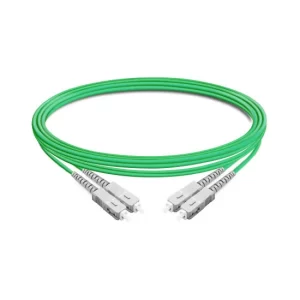 OM5 Multimode
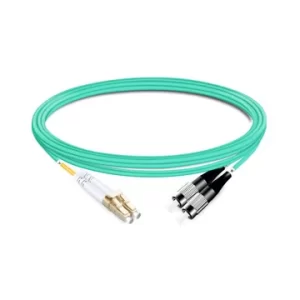 OM4 Multimode
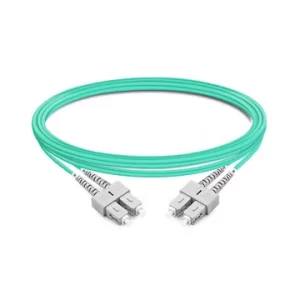 OM3 Multimode
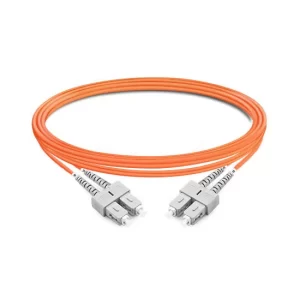 OM2 Multimode
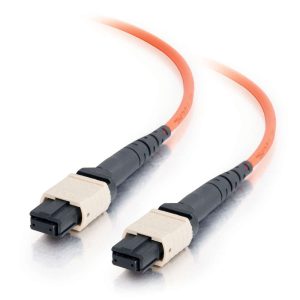 Câbles MTP/MPO
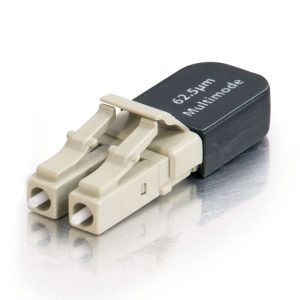 Connectivité par fibre optique
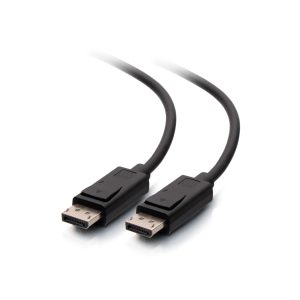 Câbles DisplayPort
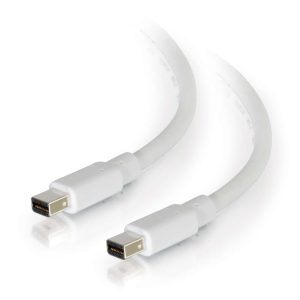 Câbles Mini DisplayPort
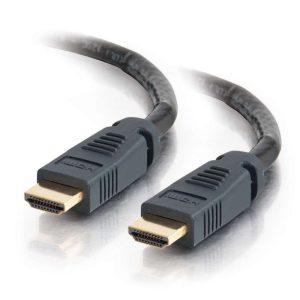 Câbles HDMI
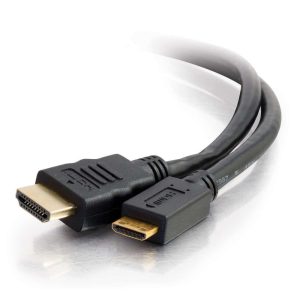 Câbles mini/micro HDMI
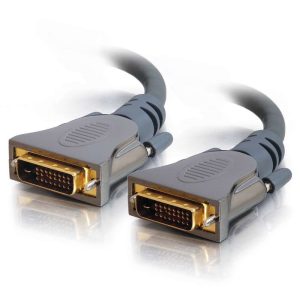 Câbles DVI
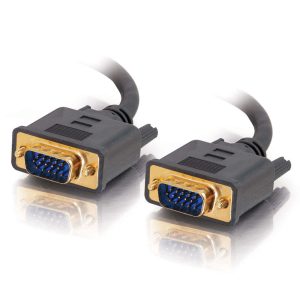 Câbles VGA
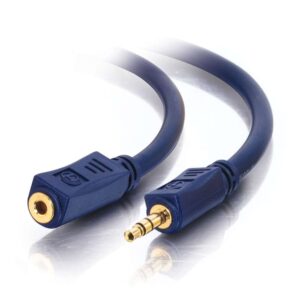 Câbles audio
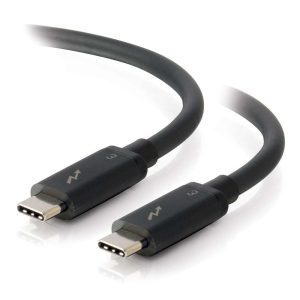 Câbles Thunderbolt
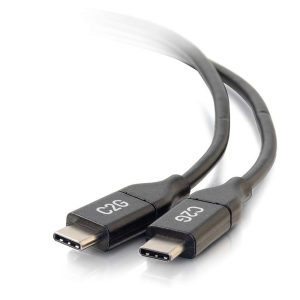 Câbles USB-C
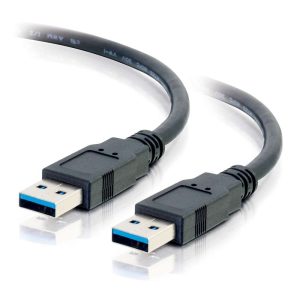 Câbles USB 3.0
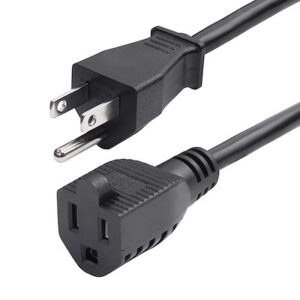 Câbles d'alimentation
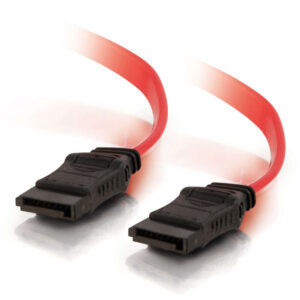 Câbles SATA
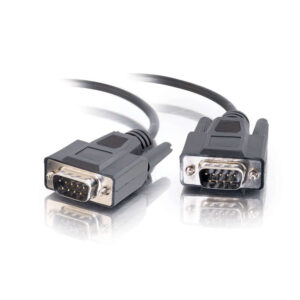 Câbles série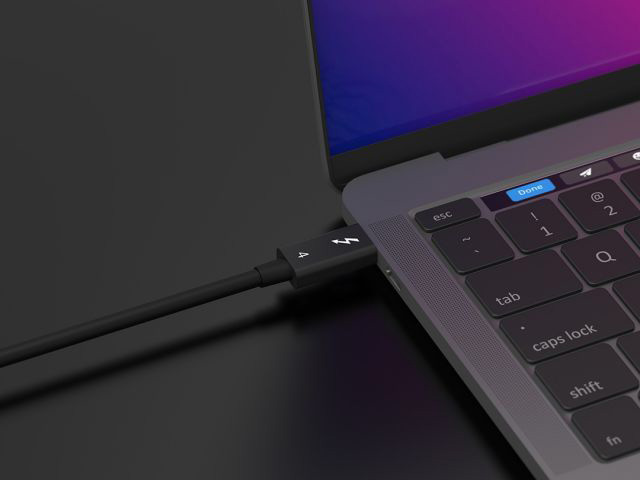
Thunderbolt Cables: Comprehensive Technical Guide
Thunderbolt is a high-speed interface standard co-developed by Intel and Apple. Thunderbolt Cables are transmission cables supporting this standard, core positioned as “all-in-one high-speed multi-functional cables”. Widely used in computers, external devices, professional workstations, and other scenarios, they are one of the core cable products for tech-savvy users in cross-border e-commerce.
I. Core Technical Specifications (Key Product Description Information)
1. Connector Form Factor
- Mainstream connector: USB-C (Thunderbolt 3/4 standards, backward compatible with USB-C);
- Legacy connector: Mini DisplayPort (Thunderbolt 1/2, gradually obsolete);
- Compatibility: USB-C-form Thunderbolt cables can be directly plugged into USB-C devices (transmission speed depends on the device’s supported standard).
2. Transmission Performance (Generation Comparison, Core Selling Points)
| Version | Bandwidth | Charging Power | Video Output | Data Transfer Speed | Maximum Transmission Distance (Active Cable) |
|---|---|---|---|---|---|
| Thunderbolt 1 | 10 Gbps | None | 1x 4K@30Hz or 2x 1080p | 1.25 GB/s | 3m (Passive) |
| Thunderbolt 2 | 20 Gbps | None | 1x 4K@60Hz or 2x 1080p | 2.5 GB/s | 3m (Passive) |
| Thunderbolt 3 | 40 Gbps | Up to 100W | 2x 4K@60Hz or 1x 8K@30Hz | 5 GB/s | 10m (Active) |
| Thunderbolt 4 | 40 Gbps | Up to 100W | 2x 4K@60Hz or 1x 8K@60Hz | 5 GB/s | 2m (Passive) / 100m (Fiber) |
| Thunderbolt 5 | 80 Gbps | Up to 240W | 1x 16K@60Hz or 2x 8K@60Hz | 10 GB/s | 10m (Active) / 100m (Fiber) |
- Key Notes:
- Passive cables: No built-in signal amplifier, cost-effective and portable, suitable for short distances (≤2m);
- Active cables: Built-in chip for signal amplification, supporting long-distance transmission (3-10m), ideal for professional scenarios (e.g., external monitors, storage arrays);
- Fiber Thunderbolt cables: Designed for ultra-long distances (up to 100m) with no signal attenuation, targeting enterprise/server room users.
3. Multi-Functional Integration (Core Differentiating Advantage)
- “One cable for everything”: Data transfer + video output + charging;
- Example: Connect a laptop to an external monitor with a single Thunderbolt 4 cable to simultaneously achieve “4K@60Hz video output + 5GB/s data transfer + 100W laptop charging”;
- Daisy-Chain expansion: Thunderbolt 3/4 supports daisy-chaining up to 6 devices (e.g., monitors, hard drive arrays, docks) without additional hubs.
II. Core Differences from Other Mainstream Cables (Key for Product Classification/Comparison)
| Cable Type | Core Advantages | Disadvantages | Target User Scenarios |
|---|---|---|---|
| Thunderbolt 4 | High speed (40Gbps), multi-functional integration | Higher price | Professional designers, gamers, business laptop users |
| USB 4.0 (USB-C) | Cost-effective (compatible with Thunderbolt 3) | Max bandwidth 40Gbps (20Gbps for some versions) | General users, office scenarios |
| DisplayPort 2.1 | Superior video output (8K@60Hz) | Video + audio only, no charging/data transfer | Users with pure display needs (e.g., gaming monitors) |
| USB 3.2 Gen2x2 | Stable data transfer (20Gbps) | No video output, low charging power (≤60W) | General data transfer (e.g., external hard drives) |
| HDMI 2.1 | Ultra HD video (8K@60Hz) | Audio/video only, no data/charging | TV/projector connections |
- Key Selling Point: The core competitiveness of Thunderbolt cables lies in “all-in-one solutions”, eliminating the need for users to carry separate data cables, video cables, and chargers—especially suitable for laptop and ultrabook users.
III. Product Classification & Target Users (Reference for Cross-Border E-Commerce Selection/Pricing)
1. Classification by Transmission Distance
- Short distance (0.5-2m): Passive cables, affordable, suitable for connecting laptops to docks/external hard drives;
- Medium distance (3-10m): Active cables, mid-range pricing , ideal for desktop offices (e.g., laptops to monitors) and small workstations;
- Long distance (10-100m): Fiber Thunderbolt cables, high-priced, targeting enterprises, server rooms, and professional studios (e.g., video editing, 3D design).
2. Classification by Power Rating
- Standard version (No charging/≤60W): Data + video only, suitable for desktops and devices without charging needs;
- High-power version (100W/240W): Supports PD fast charging (Thunderbolt 3/4/5), mainstream best-sellers for laptops and tablets.
3. Target User Profiles
- Individual users: Gamers (external high-refresh-rate monitors), designers (external 4K/8K monitors), business professionals (laptop-dock connections);
- Enterprise users: Studios (video editing, 3D modeling), IT server rooms (device interconnection), educational institutions (multimedia teaching equipment).