 Cabos Ethernet Cat5e
 Cabos Ethernet Cat6
 Cabos Ethernet Cat6a
 Cabos Cat8
 Cabos Ethernet a granel
 Conectores e tomadas
 Gestão de Cabos
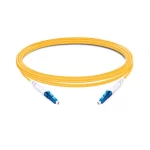 OS2 Monomodo Simplex
 OS2 Monomodo Duplex
 Fibra OM3 Multimodo
 Multimodo OM4
 Multimodo OM2
 Multimodo OM5
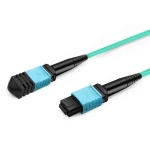 Cabos MTP/MPO
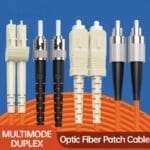 Cabos de Conexão Personalizados
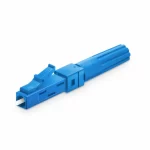 Conectividade de fibra ótica
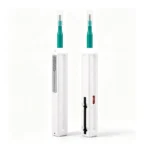 Produtos de Limpeza e Utensílios
 Cabos DisplayPort
 Cabos Mini DisplayPort
 Cabos HDMI
 Cabos HDMI Mini/Micro
 Cabos DVI
 Cabos VGA
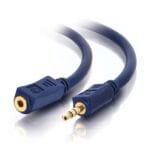 Cabos áudio
 Cabos Thunderbolt
 Cabos USB-C
 Cabos USB 3.0
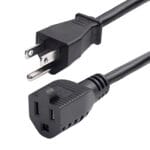 Cabos de alimentação
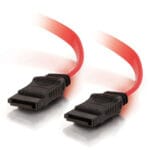 Cabos SATA
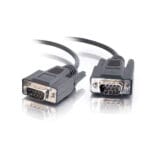 Cabos de série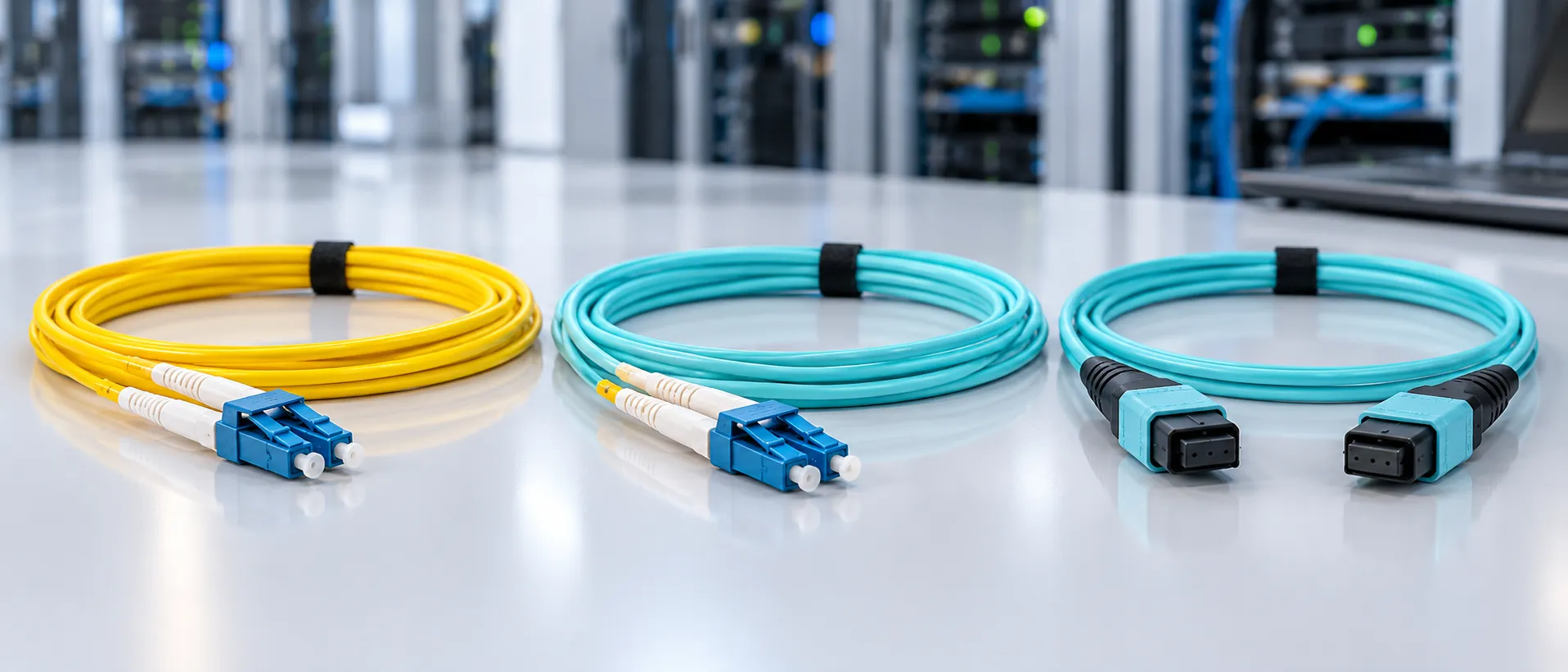
How to Choose Fiber Patch Cord for Data Centers
When you need to choose fiber patch cord for a data center, the connector type alone is not enough. A suitable fiber patch cord must match the network distance, optical equipment, fiber type, polarity, and installation environment.
This guide explains how to choose fiber patch cord by checking the most important specifications before purchase. Understanding these factors helps avoid compatibility problems and unnecessary replacement costs.
What Is a Fiber Patch Cord?
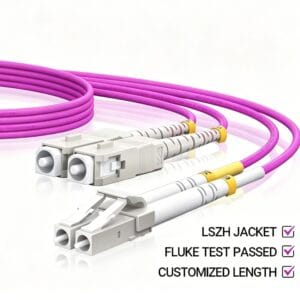
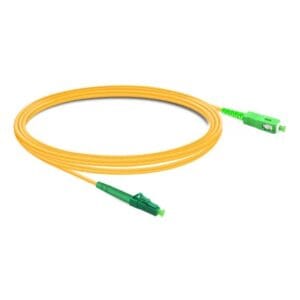
A fiber patch cord is a pre-terminated optical cable assembly used to connect switches, servers, patch panels, and other fiber optic equipment. It normally includes a fiber cable with connectors installed at one or both ends.
Different data center applications require different patch cord configurations. The correct choice depends on transmission distance, connector density, optical interface, and cabling design.
Step 1: Select the Right Fiber Type
OS2 Single-Mode Fiber Patch Cord
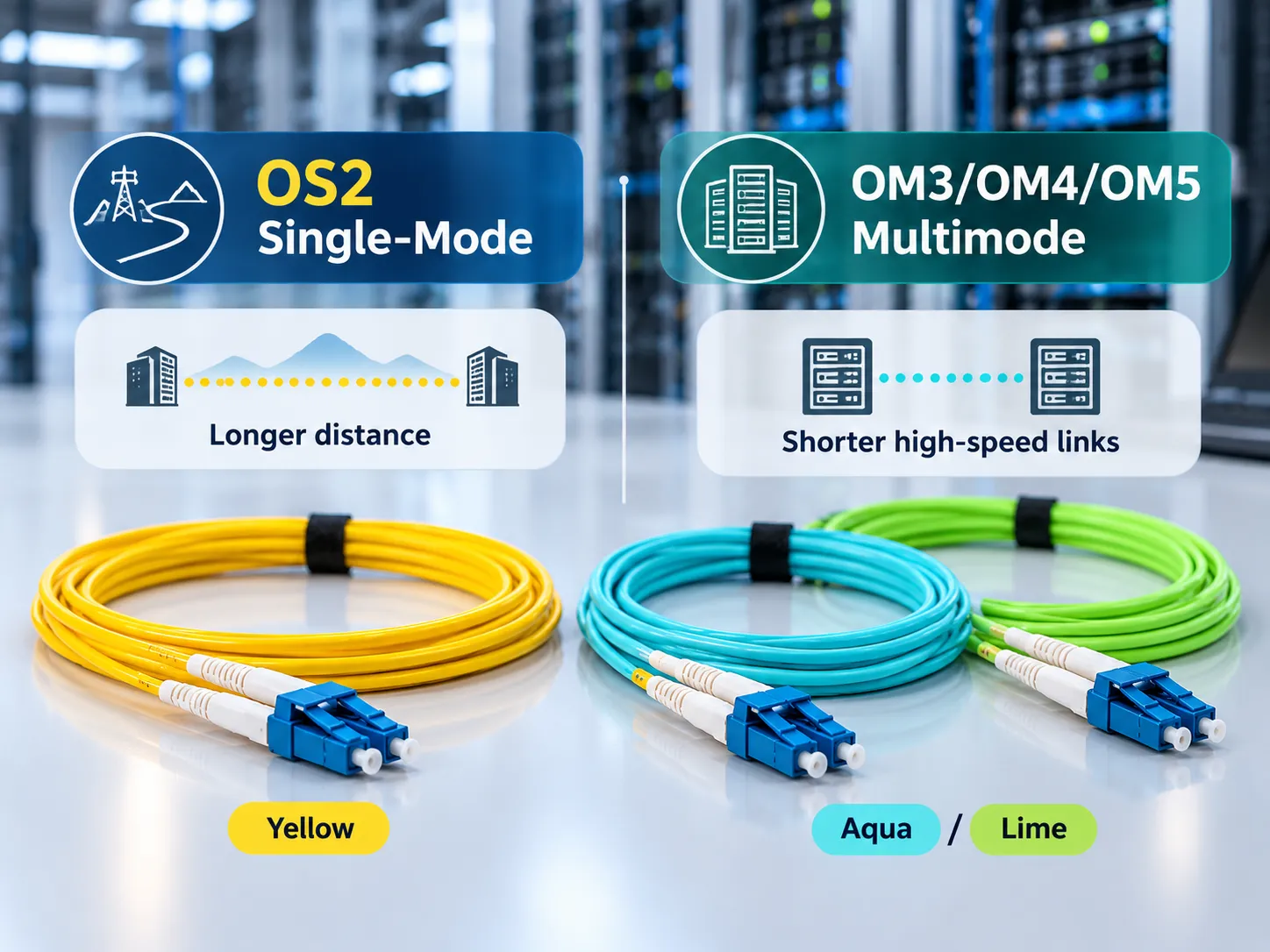
OS2 single-mode fiber patch cords are commonly selected for longer-distance links where low attenuation and extended transmission distance are required.
OM3, OM4, and OM5 Multimode Fiber Patch Cord
Multimode fiber patch cords are widely used inside data centers for shorter high-speed connections. OM4 is commonly used for high-performance data center links, while OM5 may support specific short-wave wavelength applications.
Step 2: Choose the Correct Connector Type
Connector selection should match the equipment ports and cabling architecture.
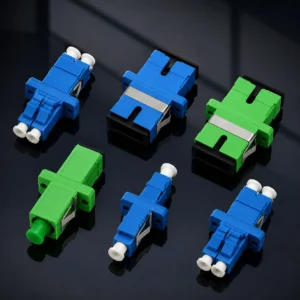
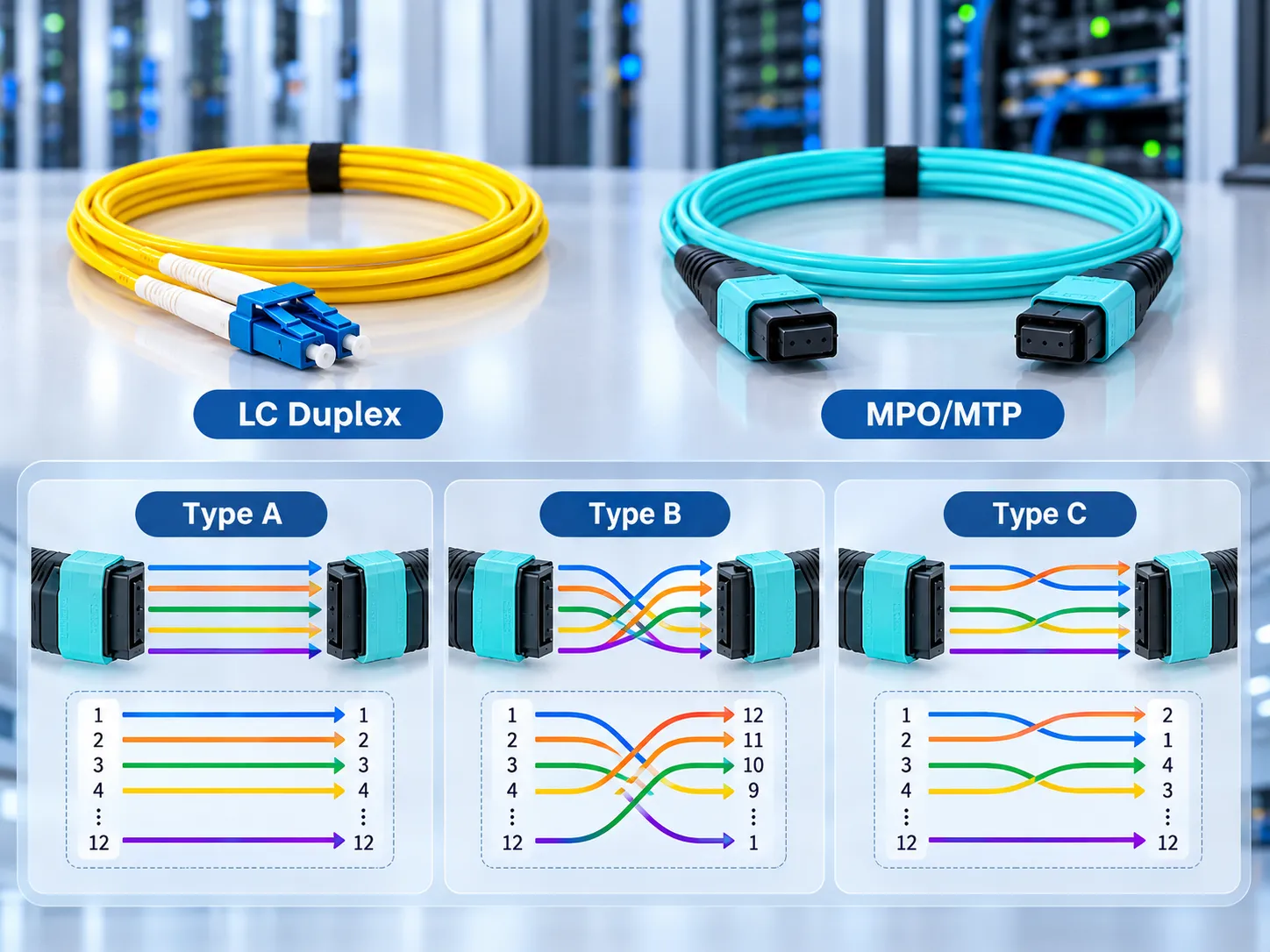
- LC connectors are common in high-density data center environments.
- SC connectors are used in many enterprise and telecom applications.
- MPO connectors support multi-fiber high-density connections.
Step 3: Check Polarity and Duplex Configuration
Fiber polarity defines how optical signals are transmitted between connected devices. Before ordering, confirm whether the system requires duplex patch cords or MPO polarity configurations.
A wrong polarity choice can prevent links from communicating correctly even when the cable itself meets the optical specification.
Step 4: Confirm Connector Polish
UPC and APC describe different connector end-face polishing methods. They should not be mixed because the equipment interface and application requirements determine the correct choice.
Always confirm connector type and polish together instead of relying only on the connector name.
Step 5: Verify Length, Jacket, and Environment
Select a practical cable length that supports clean installation without excessive slack. The jacket material should also match the installation environment and local requirements.
Common Fiber Patch Cord Buying Mistakes
- Choosing a cable only by connector appearance.
- Ignoring OS2 or OM fiber selection.
- Using incorrect polarity in duplex or MPO systems.
- Comparing specifications without checking test conditions.
Final Checklist Before Ordering
Before ordering a fiber patch cord, confirm fiber type, connector interface, polarity, polish, length, and application requirements.
A complete specification check makes it easier to select the correct cable for data center deployment and avoid installation problems.