 Cat5eイーサネットケーブル
 CAT6イーサネットケーブル
 Cat6aイーサネットケーブル
 Cat8ケーブル
 バルクイーサネットケーブル
 コネクター&ジャック
 ケーブル管理
 ネットワークツールとテストツール
 OS2 シングルモード単信
 OS2 シングルモード二重
 OM3マルチモードファイバー
 OM4マルチモード
 OM2マルチモード
 OM5マルチモード
 MTP/MPOケーブル
 パッチケーブル カスタム
 光ファイバ部品
 クリーナー&ツール
 DisplayPortケーブル
 ミニDisplayPortケーブル
 HDMIケーブル
 HDMIミニ/マイクロケーブル
 DVIケーブル
 VGAケーブル
 オーディオケーブル
 Thunderboltケーブル
 USB-Cケーブル
 USB 3.0ケーブル
 電源ケーブル
 SATAケーブル
 シリアルケーブル
お買い物カゴに商品がありません。
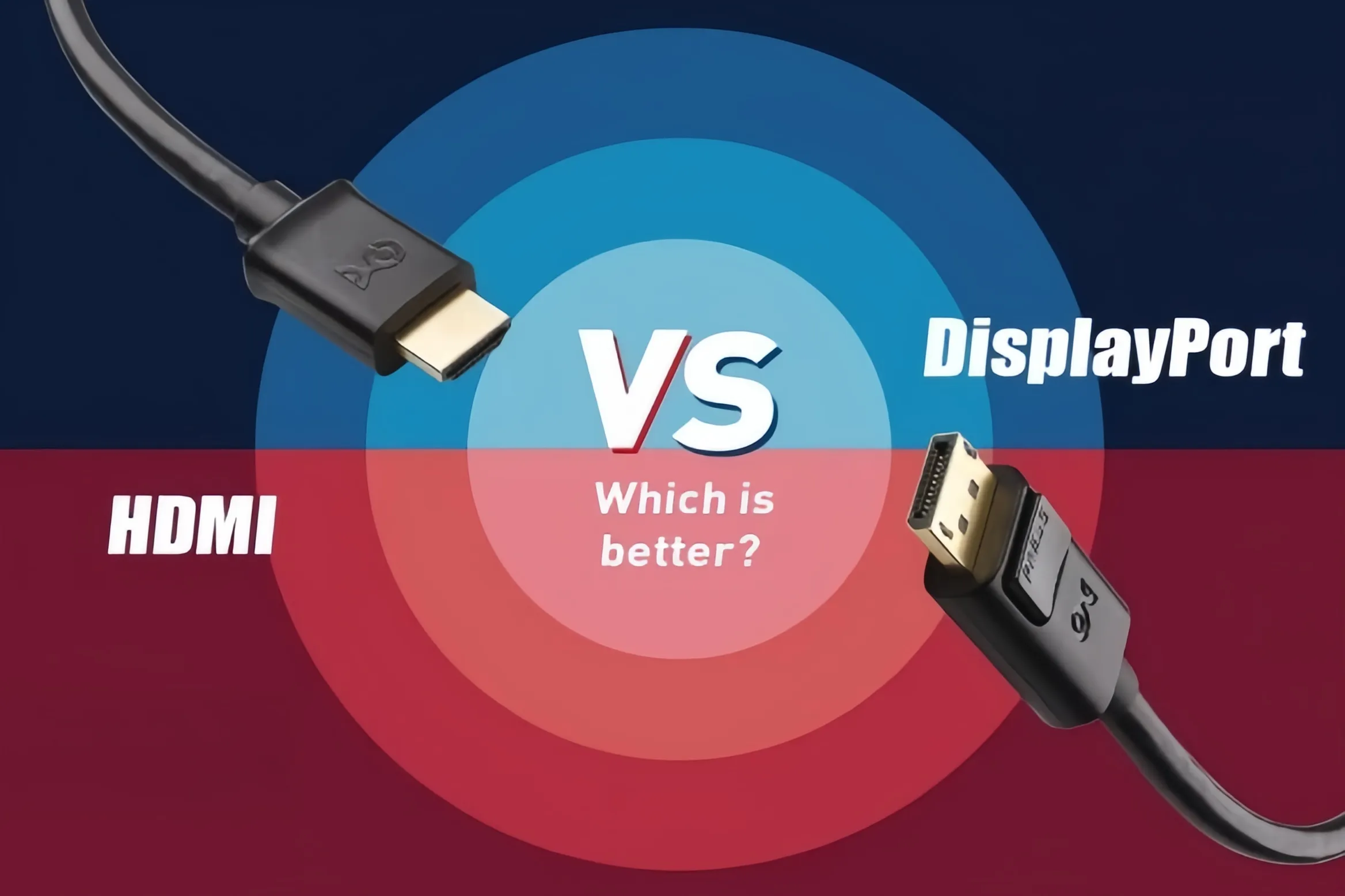
DisplayPort対HDMI:どちらが優れている?究極のディスプレイインターフェイスガイド
When building a PC, upgrading a monitor, or setting up a home theater system, DisplayPort (DP) and HDMI are the two most common audio/video interfaces you will encounter. While both cables transmit video and sound, they differ significantly in underlying technology, bandwidth capacity, and optimal use cases. Should you choose DisplayPort or HDMI? This guide breaks down their core specifications, key advantages, and best scenarios.
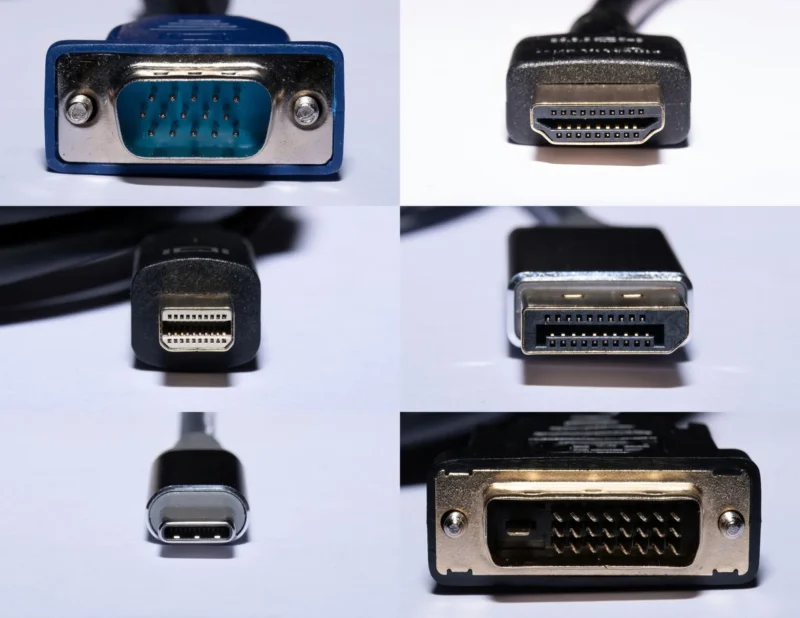
1. Core Positioning: PC Ecosystem vs. Consumer Electronics
- HDMI (High-Definition Multimedia Interface): Developed by a consortium of TV and consumer electronics giants, HDMI was designed to connect TVs, set-top boxes, gaming consoles (such as PS5 and Xbox Series X), and sound systems. It emphasizes broad device compatibility and advanced audio transmission, offering features like eARC (Enhanced Audio Return Channel), making it the standard interface for living room entertainment.
- DisplayPort (DP): Developed by VESA (Video Electronics Standards Association), DP was specifically engineered for PC hardware and professional monitors. Built for high data throughput from day one, DisplayPort natively supports MST (Multi-Stream Transport), allowing users to daisy-chain multiple monitors together using a single port on their graphics card.
2. Key Specifications Comparison (Mainstream Versions)
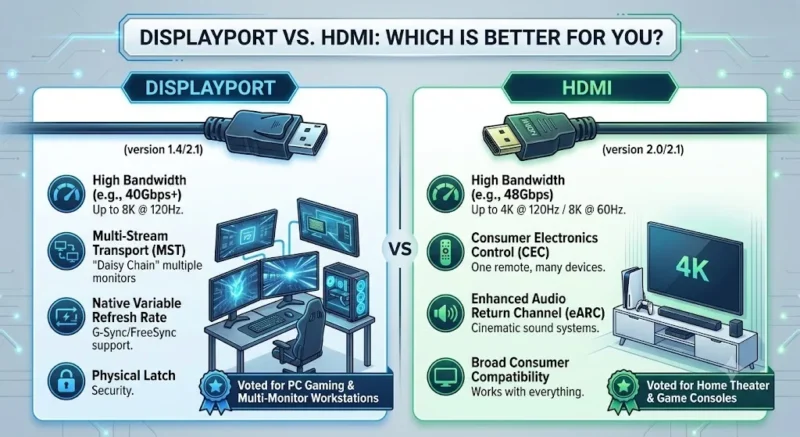
An interface’s performance ceiling depends on its protocol version. Here is how the mainstream high-end standards—HDMI 2.1 and DisplayPort 2.1—compare head-to-head:
| Feature / Spec | HDMI 2.1 | DisplayPort 2.1 |
| Max Total Bandwidth | 48 Gbps | Up to 80 Gbps (UHBR20) |
| Max Uncompressed Output | 4K @ 120Hz / 8K @ 60Hz | 4K @ 240Hz / 8K @ 120Hz |
| Variable Refresh Rate (VRR) | HDMI VRR, AMD FreeSync | Native compatibility with NVIDIA G-Sync & AMD FreeSync |
| Daisy-Chaining (MST) | Not supported (requires splitters) | Supported (single cable for multiple monitors) |
| Physical Latch | Friction fit (no latch) | Physical locking mechanism on most cables |
3. Scenario Matching: Which Should You Choose?
1. Esports & High-Refresh PC Gamers: Choose DisplayPort
If you are running an NVIDIA or AMD high-performance graphics card paired with a 144Hz, 240Hz, or higher refresh rate gaming monitor, DisplayPort is your best choice. DP provides seamless native integration for G-Sync and FreeSync technology, along with sufficient bandwidth overhead for ultra-high resolutions and extreme frame rates.

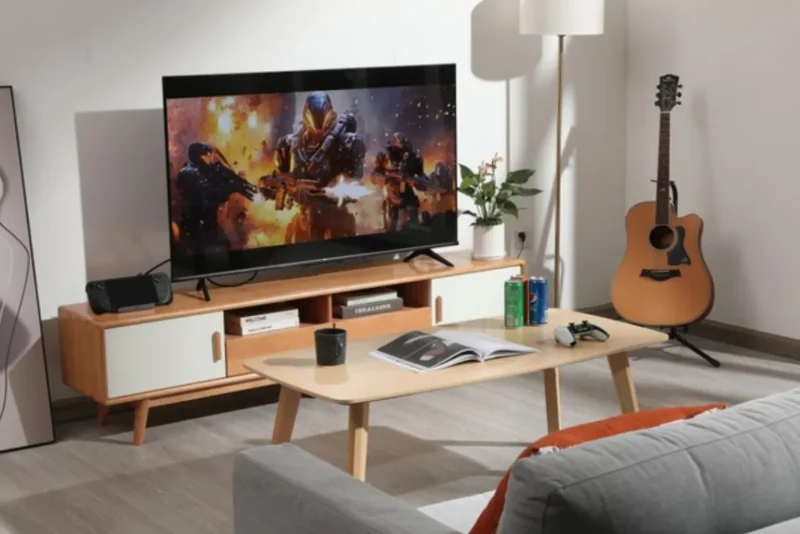
2. Living Room TVs & Gaming Consoles: Choose HDMI
If you are hooking up a PS5, Xbox Series X, or Nintendo Switch, or connecting your PC to a 4K OLED TV, HDMI 2.1 is essential. Most TVs do not feature DisplayPort inputs, and HDMI offers consumer-centric features like HDMI-CEC (one remote control for multiple devices) and eARC passthrough for Dolby Atmos audio setups.
3. Multi-Monitor Productivity: Choose DisplayPort
For video editors, programmers, and financial analysts who rely on dual or triple monitor setups, monitors supporting DP Daisy Chaining allow a clean “GPU -> Monitor A -> Monitor B” topology, drastically reducing desktop cable clutter.
Summary
Your choice ultimately depends on your target display: Use HDMI 2.1 for TVs and gaming consoles; use DisplayPort 1.4 or 2.1 for PC graphics cards and high-refresh-rate gaming monitors.
関連商品
-

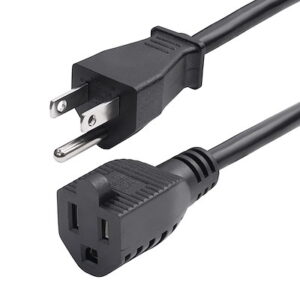
電源延長コード、NEMA 5-15P~NEMA 5-15R AC電源ケーブル、10A 125V、18AWG、コンセント延長電源ケーブル、AC電源コード、TAA準拠、UL準拠
¥837 -
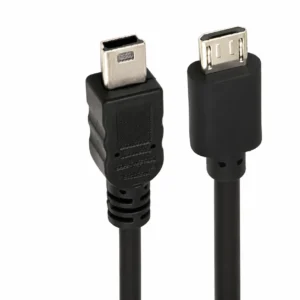
Mini USB to Micro USB Cable – USB 2.0, 0.5m or 1m
価格帯: ¥1.76 – ¥2.06 この商品には複数のバリエーションがあります。 オプションは商品ページから選択できます -
オーディオケーブル 光デジタルオーディオケーブル デジタル光端子接続 10m OD2.2 スピーカーケーブル 安定ステレオ
¥774 この商品には複数のバリエーションがあります。 オプションは商品ページから選択できます -
1.8m 1ポートUSB-シリアルRS232アダプタ、FTDI DB9シリアルDCEアダプタケーブル、ヌルモデム、USB 2.0 - TAA
¥3,437 -
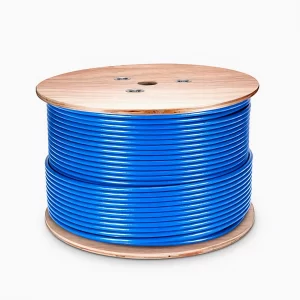
Cat6a イーサネットバルクケーブル、305m、23AWG ソリッド純銅線、750MHz、シールド付 (S/FTP)、PVC CMR、リール付き (ブルー)
¥94,335 -
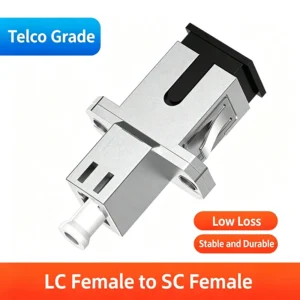
LC Female Hybrid Fiber Optic Adapter for SC FC and ST Female Ports with Long and Short Options
価格帯: ¥3.68 – ¥6.69 この商品には複数のバリエーションがあります。 オプションは商品ページから選択できます -
Cat5eイーサネットバルクケーブル、305m、UL認証、24AWGソリッド純銅線、350MHz、UTP、PVC CMP、リール付き(ブラック)
¥50,322 -
FTTHドロップケーブル用光ファイバー光速コネクタ、直接工場製、10個入り
価格帯: ¥8.10 – ¥8.20 この商品には複数のバリエーションがあります。 オプションは商品ページから選択できます