 Cables Ethernet Cat5e
 Cables Ethernet Cat6
 Cables Ethernet Cat6a
 Cables Cat8
 Cables Ethernet a granel
 Conectores y tomas
 Gestión de cables
 Herramientas y probadores de redes
 OS2 Monomodo Simplex
 OS2 monomodo dúplex
 Fibra multimodo OM3
 OM4 multimodo
 OM2 multimodo
 OM5 multimodo
 Cables MTP/MPO
 Cables de Conexión Personalizados
 Componentes de fibra óptica
 Limpiadores y herramientas
 Cables DisplayPort
 Cables Mini DisplayPort
 Cables HDMI
 Cables HDMI Mini/Micro
 Cables DVI
 Cables VGA
 Cables de audio
 Cables Thunderbolt
 Cables USB-C
 Cables USB 3.0
 Cables de alimentación
 Cables SATA
 Cables serie
No hay productos en el carrito.
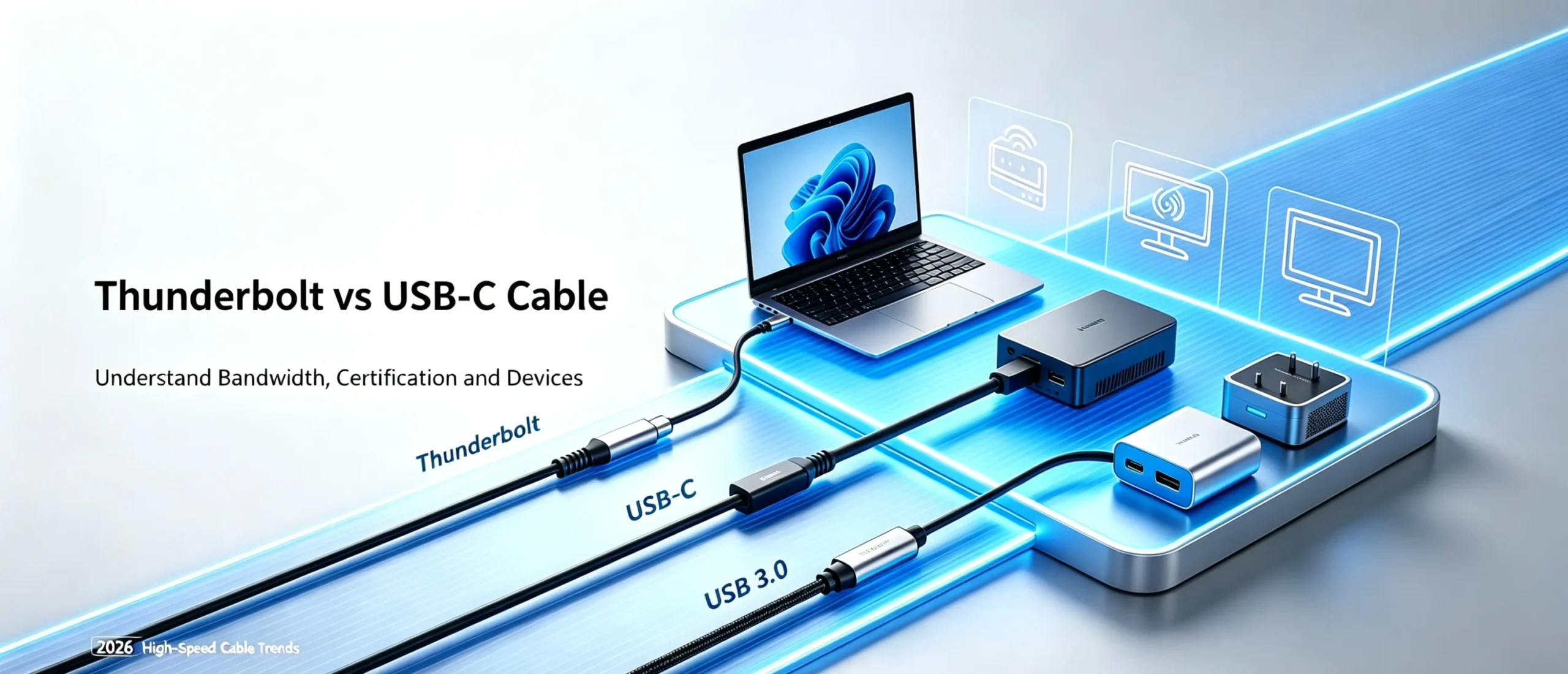
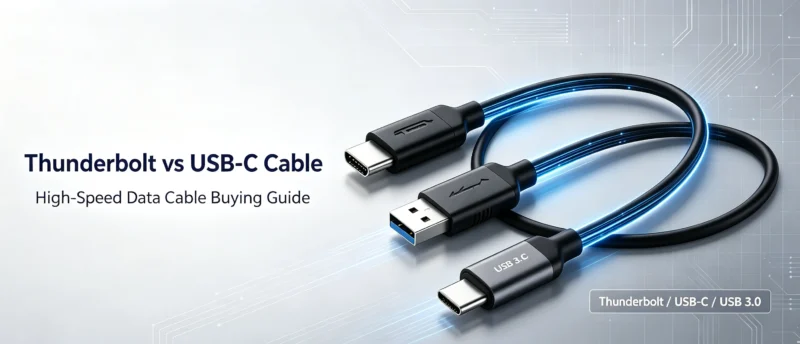
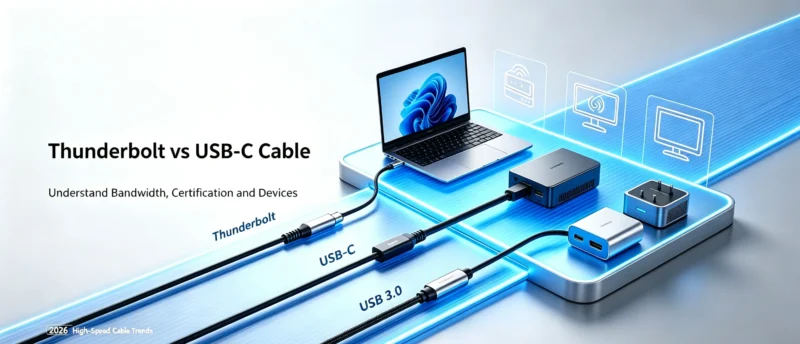
¿Cuál es la diferencia entre un cable Thunderbolt y un cable USB-C normal? No compres un cable de transmisión de alta velocidad que no sea el adecuado.
Many people think that all USB ‑ C wires are universal when they see the same interface. In fact, USB-C plugs with the same appearance have huge differences in internal chips, transmission bandwidth, and video output capabilities. Using a regular USB-C cable as a Thunderbolt cable can cause various problems such as device recognition failure, sudden drop in transmission speed, and inability to output high-definition videos.
Thunderbolt cable、USB3.0、 Differences between regular USB-C cores
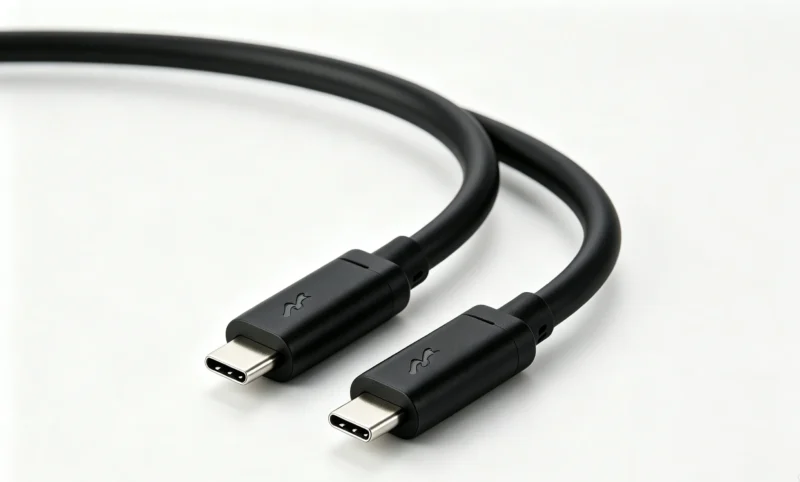
Thunderbolt lightning wire
Thunderbolt is a high-speed protocol authorized by Intel, and Thunderbolt 3/4/5 cables must be officially certified with dedicated signal chips inside.
Thunderbolt 4: With a maximum bandwidth of 40Gbps, it can simultaneously output dual 4K videos and is compatible with docking stations, external graphics card docks, and high-speed solid-state drives.
Thunderbolt 5: The latest generation standard, with a bandwidth of 80Gbps, supports 8K video transmission, and is mostly used for high-end creative workstations.
Important reminder: Thunderbolt wires cannot be sold under OEM labels at will. If Thunderbolt labels are printed on exported overseas products, they must obtain official Intel certification. False labeling may result in customs seizure.
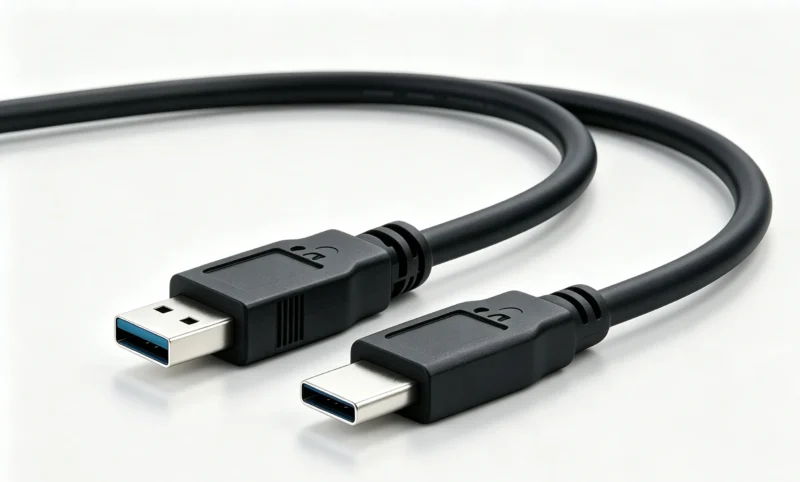
USB 3.0 cable
USB 3.0 is a widely used high-speed transmission standard, with interface forms including Type-A and USB-C. USB 3.0 (USB 3.2 Gen1) has a theoretical bandwidth of 5Gbps, which is suitable for daily file copying and external hard drive use.
USB3.0-C cables can achieve high-speed data transmission, but they do not natively support Thunderbolt protocol and cannot run high-performance requirements such as Thunderbolt docking stations and 8K videos. They can only meet the needs of ordinary office peripherals.
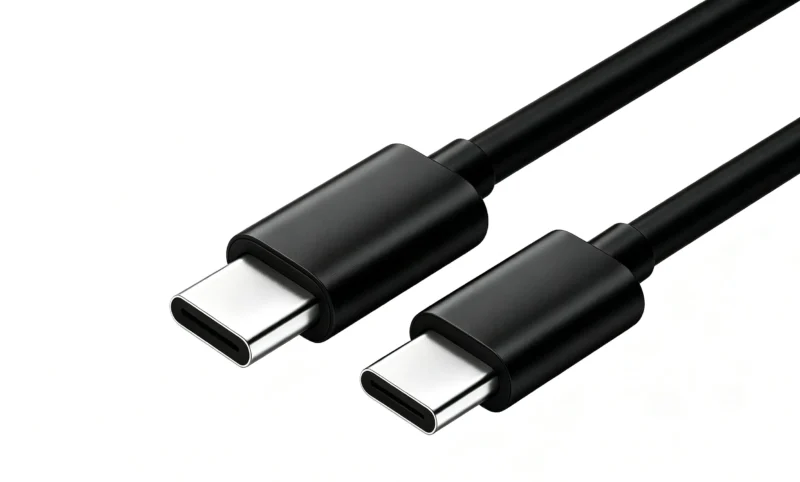
Ordinary USB-C data cable
The vast majority of ordinary USB-C cables on the market are only responsible for charging and basic data transmission.
Some USB-C devices with E-Marker chips can achieve 100W PD fast charging and video output, but the bandwidth is far from lightning level; Low cost cables without chips are only suitable for charging and cannot run high-speed data.
Core advantages of lightning wire
Ultra high bandwidth: Thunderbolt 5 can reach 80Gbps, capable of simultaneously transmitting large files, multiple high-definition videos, and connecting multiple external devices. One set of cables can connect all the peripherals of the workstation.
Strong video capability: Supports single channel 8K or dual channel 4K display output, suitable for editing, 3D design, and live streaming workstations.
Complete compatibility with docking stations: stable driver external graphics card docking station, 10 Gigabit network card, multi interface expansion device, without disconnection or recognition abnormalities.
Excellent signal stability: strict Intel certification standards, double-layer shielding, and stronger anti-interference ability for long-distance transmission.
One line multi-purpose: simultaneously complete high-speed data, high-definition video, high-power PD power supply, reducing desktop cable clutter.
Disadvantages: High cost, requiring Intel certification, and much higher price than regular USB-C cables.
Core advantages of USB-C data cable
Unified interface: EU regulations mandate the use of USB-C for laptops, making it universal for smartphones, tablets, monitors, and hard drive cases, reducing the need for multiple interface cables.
Flexible charging performance: Equipped with an E-Marker chip, it can support up to 240W PD fast charging, meeting the charging needs of laptops and mobile phones.
High cost-effectiveness: With a wide range of choices, there are numerous models available for both consumer and industrial scenarios, making it suitable for large-scale procurement.
Wide protocol compatibility: compatible with USB 2.0/3.2, DP video output, no need for exclusive authorization, mature supply chain.
Lightweight and portable: There are various wire styles available, including short, long, and woven styles, suitable for both regular office and daily mobile use.
Disadvantages: Ordinary USB-C has a low bandwidth limit and does not have a dedicated Thunderbolt chip, making it impossible to fully run Thunderbolt docking stations and 8K device performance.
Latest Industry News in 2026
Thunderbolt 5 has started to land in bulk
The 2026 new high-end creative laptops, workstations, and 8K displays are gradually equipped with Thunderbolt 5 interfaces, and the market demand for 80Gbps bandwidth is increasing; But the threshold for Thunderbolt 5 cables is high and must be certified. A large number of white label products impersonating Thunderbolt 5 on the market have been cleared by overseas platforms.
EU USB-C regulations continue to tighten
Fully implement the mandatory USB-C interface policy for laptops; USB-C cables exported to the EU with a nominal PD power of 60W or more are required to have an embedded E-marker chip. Products without chip false power labeling will be detained or recalled by customs.
The demand for USB3.0-C cables in the market is increasing
The demand for USB3.0-C cables in the market is increasing
A large number of consumer grade laptops and hard drive cases use USB3.0-C, and many buyers confuse USB3.0-C with Thunderbolt cables, mistakenly connecting USB3.0-C cables to Thunderbolt docking stations, resulting in performance not meeting expectations. Distinguish when purchasing: USB3.0-C has a maximum 5Gbps, which is significantly different from Thunderbolt’s 40G/80G.
European and American customs crack down on false advertising labels
The new regulations in the United States require UL62368-1 reports for both lightning wires and USB-C wires; Thunderbolt wires do not have Intel certification, and printing Thunderbolt trademarks is strictly prohibited. Multiple foreign trade sellers have returned goods due to false trademarks.
Common faults of selecting the wrong wire
External high-speed solid-state connection, actual transmission speed is very slow and cannot reach the nominal rate
The docking station cannot recognize peripherals, and the mouse and network card are intermittently disconnected
Unable to output 4K or 8K images, the monitor is black or can only run at low resolution
The wire is heating up and the fast charging power cannot be increased
FAQ
Q1: Can USB3.0-C cables be used as Thunderbolt Cable?
A: It’s not possible. USB3.0-C has a maximum bandwidth of only 5Gbps and lacks a dedicated Thunderbolt Cable signal chip. Even if the appearance of the plug is the same, it cannot fully perform when connected to a Thunderbolt docking station or 8K device, resulting in slow speed, inability to output video, and frequent disconnection of peripherals.
Q2: Is a USB-C cable with an E-Marker chip a Thunderbolt Cable?
A: No, it’s not. The E-marker chip is only responsible for managing PD charging power and DP video output, and does not represent ownership of the Thunderbolt protocol. Ordinary USB-C with E-marker can only achieve fast charging and basic video, with a bandwidth much lower than Thunderbolt cable, and cannot drive lightning exclusive devices.
Q3: Is it necessary to buy expensive Thunderbolt Cable for ordinary office scenarios?
A: Most regular offices do not require it. Only for mobile phone charging, 2K display, and regular portable hard drive, selecting USB3.0-C or USB-C cable with E-Marker is sufficient; Only when using Thunderbolt docking stations, external graphics card docks, and 8K workstation devices, must Intel certified Thunderbolt wires be used.
Productos relacionados
-

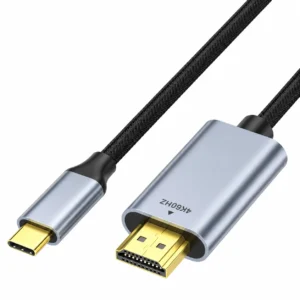
USB Type C to HDMI Cable – 4K 60Hz, 1m/2m/3m
Rango de precios: desde €9.22 hasta €13.15 Este producto tiene múltiples variantes. Las opciones se pueden elegir en la página de producto -
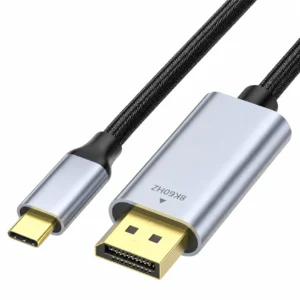
USB-C to DisplayPort Cable – 8K, 1m or 2m
Rango de precios: desde €8.82 hasta €11.03 Este producto tiene múltiples variantes. Las opciones se pueden elegir en la página de producto -
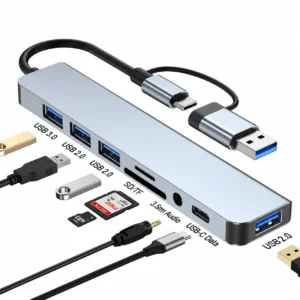
USB Hub with SD Card Reader – Dual-Connector 8-in-1 Hub
€5.23 -
USB-C Fast Charging Cable, Charge & Sync, 100W (5A) PD, USB 2.0, USB-IF Certified – USB C Charging Cord
Rango de precios: desde €8.99 hasta €13.99 Este producto tiene múltiples variantes. Las opciones se pueden elegir en la página de producto -
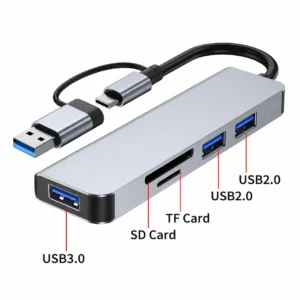
USB Hub with SD Card Reader – Dual-Connector 5-in-1 Hub
€8.11 -
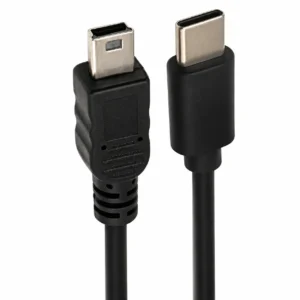
USB C to Mini USB Cable – USB 2.0, 0.5m or 1m
Rango de precios: desde €1.91 hasta €2.06 Este producto tiene múltiples variantes. Las opciones se pueden elegir en la página de producto -
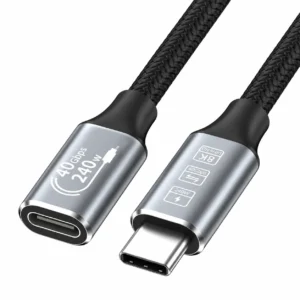
USB C Extension Cable – USB4, 40Gbps, 240W
Rango de precios: desde €6.79 hasta €9.13 Este producto tiene múltiples variantes. Las opciones se pueden elegir en la página de producto -
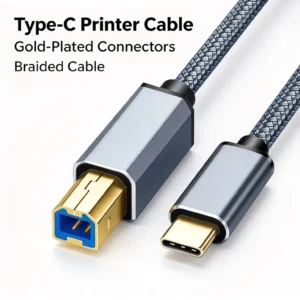
USB C to USB B Cable – USB 2.0 Printer Cable
Rango de precios: desde €3.75 hasta €6.18 Este producto tiene múltiples variantes. Las opciones se pueden elegir en la página de producto