 Cat5e Ethernet-Kabel
 Cat6 Ethernet-Kabel
 Cat6a Ethernet-Kabel
 Cat8-Kabel
 Ethernet-Kabel in großen Mengen
 Steckverbinder & Buchsen
 Kabelmanagement
 Network Tools & Testers
 OS2 Singlemode Simplex
 OS2 Singlemode Duplex
 OM3 Multimode-Faser
 OM4 Multimode
 OM2 Multimode
 OM5 Multimode
 MTP/MPO-Kabel
 Patchkabel nach Maß
 Fiber Optic Components
 Reinigungsmittel & Werkzeuge
 DisplayPort-Kabel
 Mini DisplayPort-Kabel
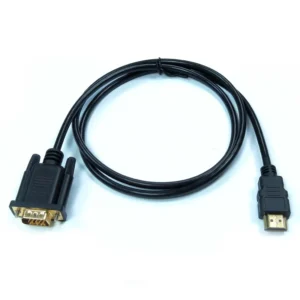
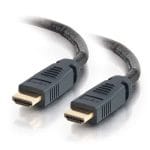 HDMI-Kabel
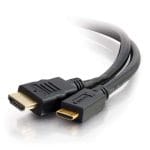 HDMI Mini/Micro-Kabel
 DVI-Kabel
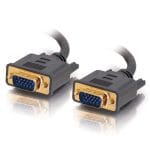 VGA-Kabel
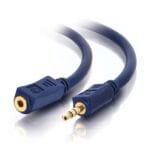 Audiokabel
 Thunderbolt-Kabel
 USB-C-Kabel
 USB 3.0-Kabel
 Stromkabel
 SATA-Kabel
 Serielle Kabel
Es befinden sich keine Produkte im Warenkorb.
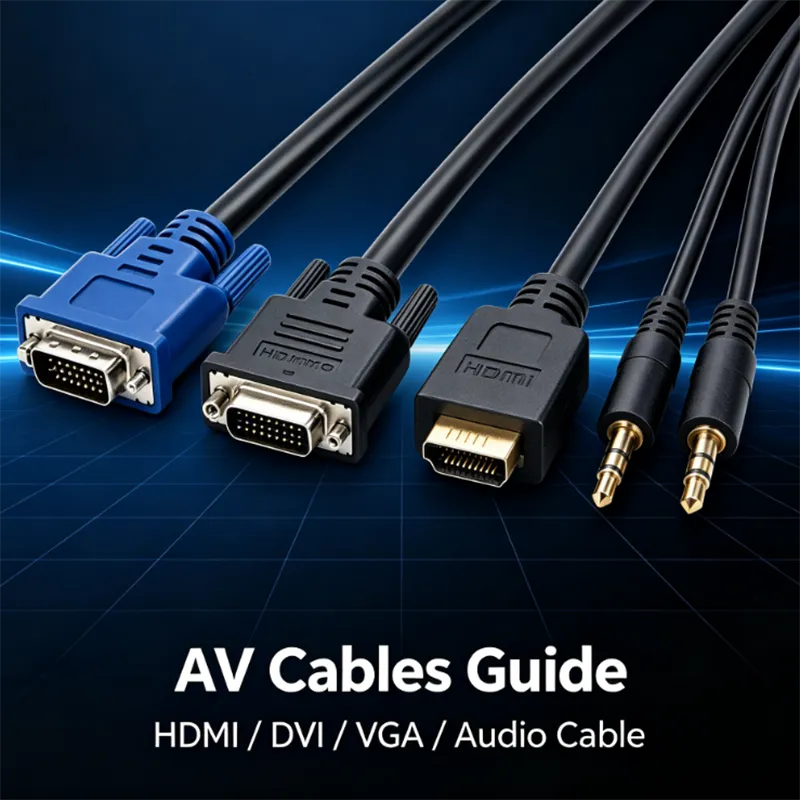
Leitfaden zur Auswahl von Audio- und Videokabeln: Wie wählt man HDMI-, DVI-, VGA- und 3,5-mm-Audiokabel aus?
Still unable to distinguish between various types of audio and video transmission cables? Understand the differences between HDMI, DVI, VGA video cables and 3.5mm audio cables in one article, and choose the appropriate cable based on the monitor, computer, projector, and audio equipment.
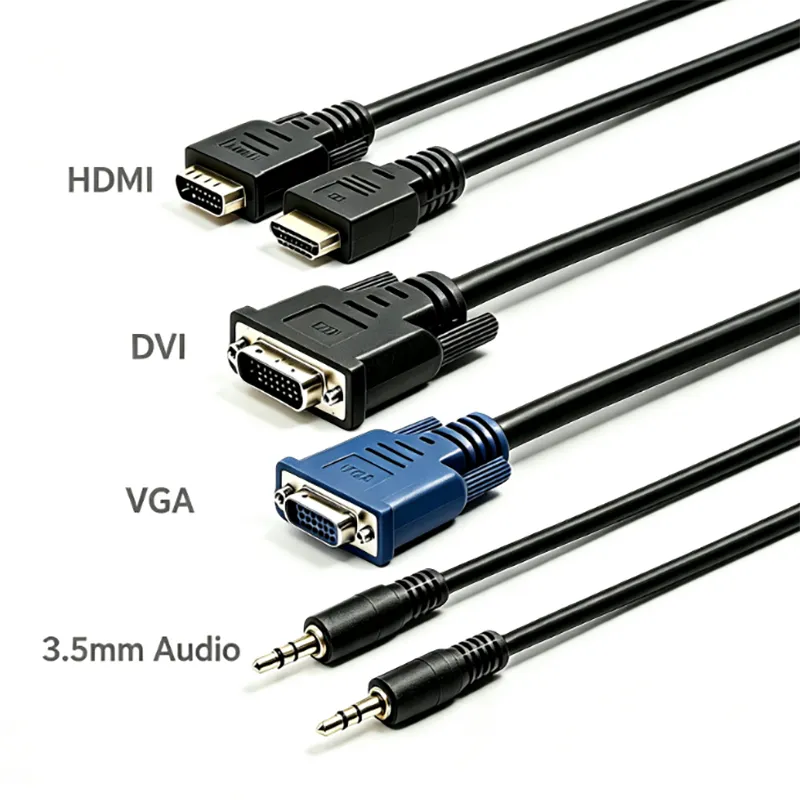
When assembling computers, conference room equipment wiring, and external display screens in daily life, many people encounter the problem of selecting the wrong cables: black screen when inserting the screen, blurry image, and only image without sound.
There are various types of audio and video cables on the market, and this article focuses on the four most widely used cables: HDMI cable, DVI cable, VGA cable, and 3.5mm audio cable. We will explain the characteristics, advantages and disadvantages, and applicable scenarios of each type of cable to help you quickly select the appropriate cable for your device.
Introduction to four mainstream audio and video cables
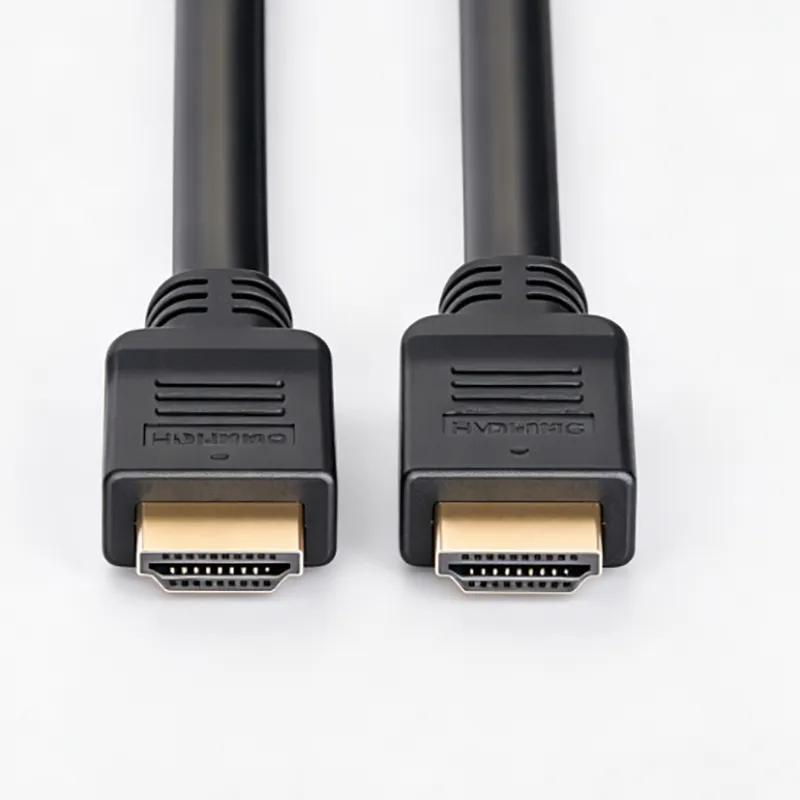
HDMI Cable
HDMI is currently the most versatile digital audio and video cable, capable of simultaneously transmitting high-definition video and audio signals.
Advantages: Supports high resolution, high refresh rate, and strong compatibility.
Applicable devices: computer monitors, televisions, projectors, game consoles, laptops.
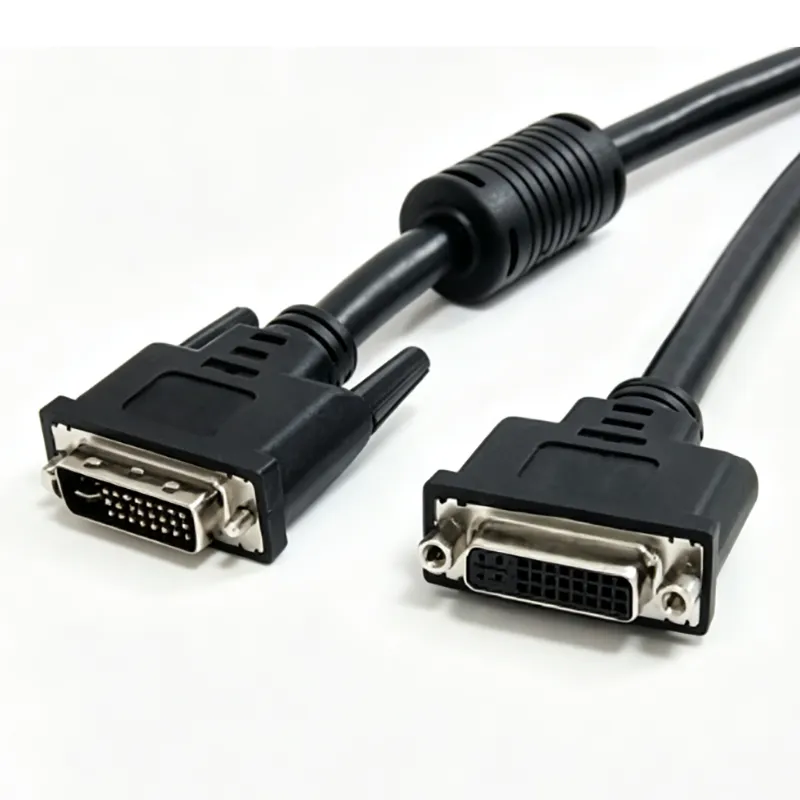
DVI Cable
DVI belongs to digital video transmission cables, which only transmit images and cannot directly transmit audio.
Advantages: Stable transmission of digital images, widely used in old-fashioned desktop displays and industrial display devices.
Limitations: The maximum resolution limit is lower than the new generation HDMI cables, gradually being replaced by the market.
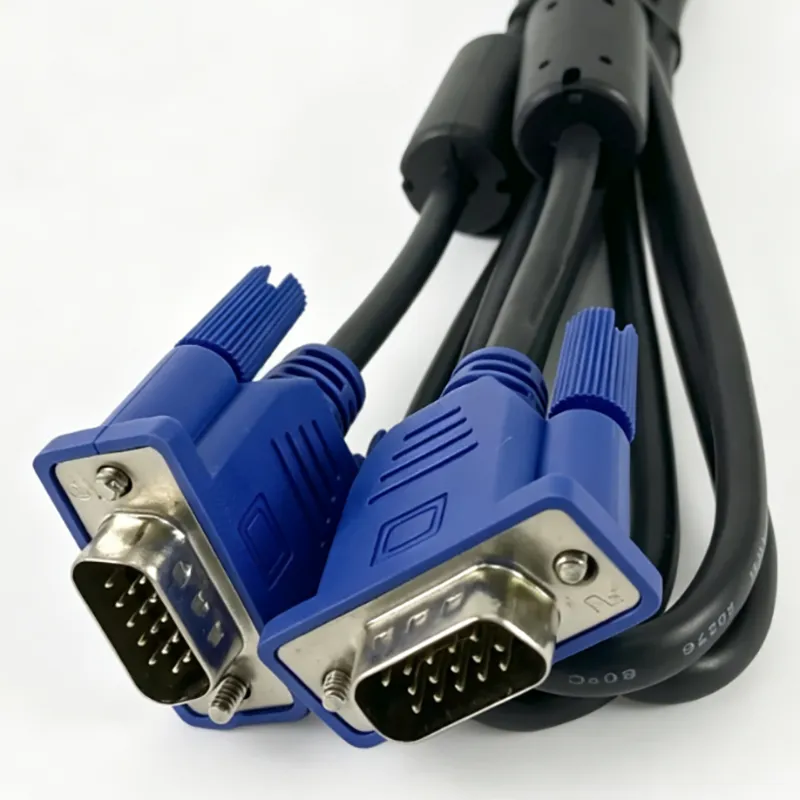
VGA Cable
VGA is a classic analog signal video cable that only transmits images.
Advantages: Perfect compatibility with a large number of old devices, low cost.
Disadvantages: Analog signals are prone to interference, have a low upper limit of image quality, and do not support audio transmission.
Applicable scenarios: old monitors, monitoring equipment, and old conference projectors.
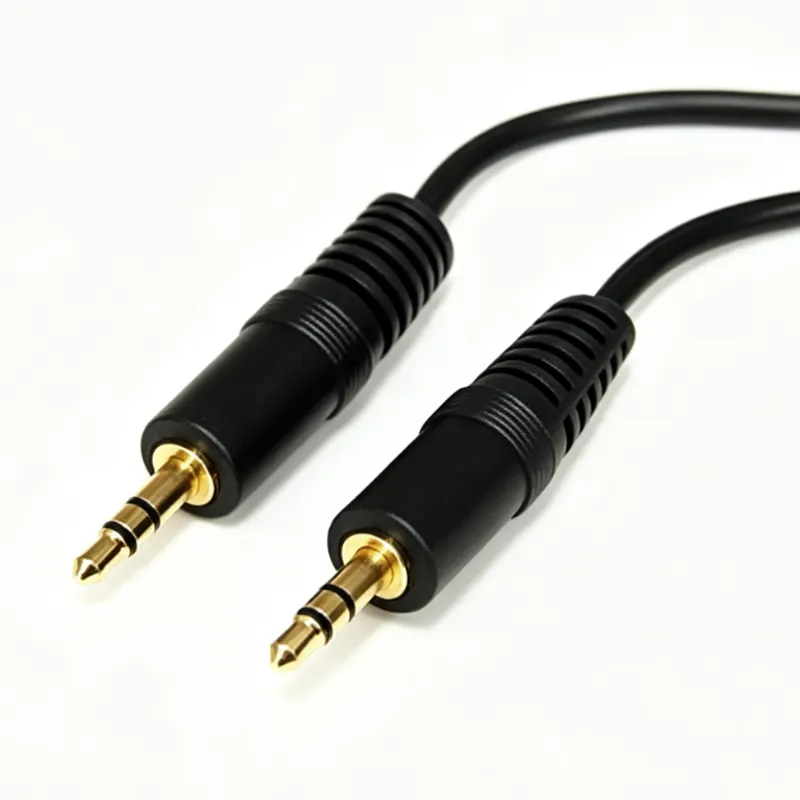
Audio Cable
Only responsible for transmitting audio signals, unable to transmit any images or visuals.
Applicable scenarios: computer connected audio system, headphone adapter, car audio system, conference room audio system.
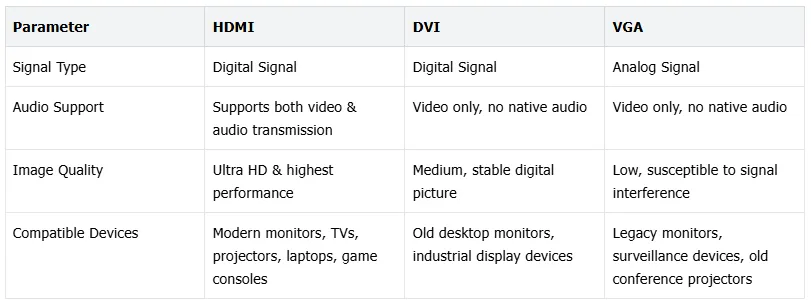
Comparison of HDMI, DVI, VGA Core Differences
Signal type: HDMI/DVI is a digital signal; VGA is an analog signal
Audio capability: HDMI synchronous transmission of audio and video; DVI and VGA only support images
Image quality performance: HDMI>DVI>VGA
Device adaptation: HDMI is compatible with new devices, VGA is more commonly used for old hardware
Practical purchasing tips
1.First, confirm the interface styles at both ends of the computer and monitor to ensure compatibility;
2.Confirm the required resolution and refresh rate based on usage requirements;
3.Plan the wiring distance in advance and determine the required wire length;
4.For engineering and commercial cabling scenarios, LSZH low smoke halogen-free environmentally friendly wires can be prioritized.
FAQ
Q: Can VGA cables transmit sound?
A: No, VGA can only output images, and additional audio cables are required to provide sound.
Q: Can DVI cable directly transmit audio?
A: The native DVI standard does not support audio, and some special devices require adapters to achieve sound output.
Q: Can HDMI cables connect to old DVI monitors?
A: Compatibility can be achieved by pairing with a regular adapter.
Q: Is a 3.5mm audio cable suitable for connecting a computer to a speaker?
A: Yes, it is the most commonly used connecting cable for desktop audio devices.
Conclusion
Summary: HDMI is the preferred choice for new audio and video devices; Old industrial displays can choose DVI; Old display devices use VGA; The sound transmission is equipped with a separate 3.5mm audio cable.
If you are looking for high-quality audio and video transmission cables, please browse our complete product line of HDMI, DVI, VGA, and audio cables to find cable solutions that are suitable for your device.
Verwandte Produkte
-

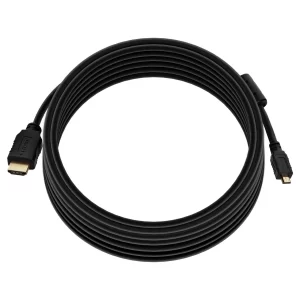
High Speed HDMI Kabel mit HDMI Micro Connector – 4K@60Hz HDR 18Gbps 5M Schwarz
€9.11 -
DVI-D-Single-Link-Kabel – M/M
Preisspanne: €8.99 bis €9.99 Dieses Produkt weist mehrere Varianten auf. Die Optionen können auf der Produktseite gewählt werden -
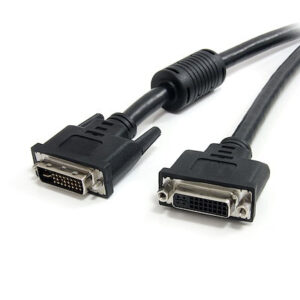
3m DVI-I Dual Link Digital Analog Monitor Verlängerungskabel M/F
€11.03 -
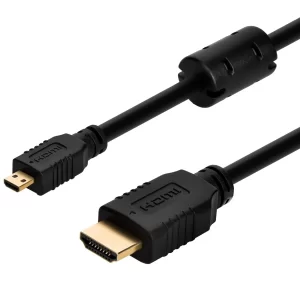
High-Speed HDMI-Kabel mit HDMI-Micro-Stecker – 4K@24Hz, 1M, Schwarz
€6.62 -
High Speed HDMI Kabel mit HDMI Micro-Stecker – 4K@60Hz HDR 18Gbps 0,5 Schwarz
€5.29 -
Standard-HDMI-Kabel mit HDMI-Mini-Anschluss – 1080i@60Hz, 3m, Schwarz
€7.44 -
1080P HDMI Male to VGA Male Video Adapter Cable, Built‑in Chip for Computer HDTV Connection
Preisspanne: €6.18 bis €9.93 Dieses Produkt weist mehrere Varianten auf. Die Optionen können auf der Produktseite gewählt werden