 Cat5e Ethernet-Kabel
 Cat6 Ethernet-Kabel
 Cat6a Ethernet-Kabel
 Cat8-Kabel
 Ethernet-Kabel in großen Mengen
 Steckverbinder & Buchsen
 Kabelmanagement
 Network Tools & Testers
 OS2 Singlemode Simplex
 OS2 Singlemode Duplex
 OM3 Multimode-Faser
 OM4 Multimode
 OM2 Multimode
 OM5 Multimode
 MTP/MPO-Kabel
 Patchkabel nach Maß
 Fiber Optic Components
 Reinigungsmittel & Werkzeuge
 DisplayPort-Kabel
 Mini DisplayPort-Kabel
 HDMI-Kabel
 HDMI Mini/Micro-Kabel
 DVI-Kabel
 VGA-Kabel
 Audiokabel
 Thunderbolt-Kabel
 USB-C-Kabel
 USB 3.0-Kabel
 Stromkabel
 SATA-Kabel
 Serielle Kabel
Es befinden sich keine Produkte im Warenkorb.
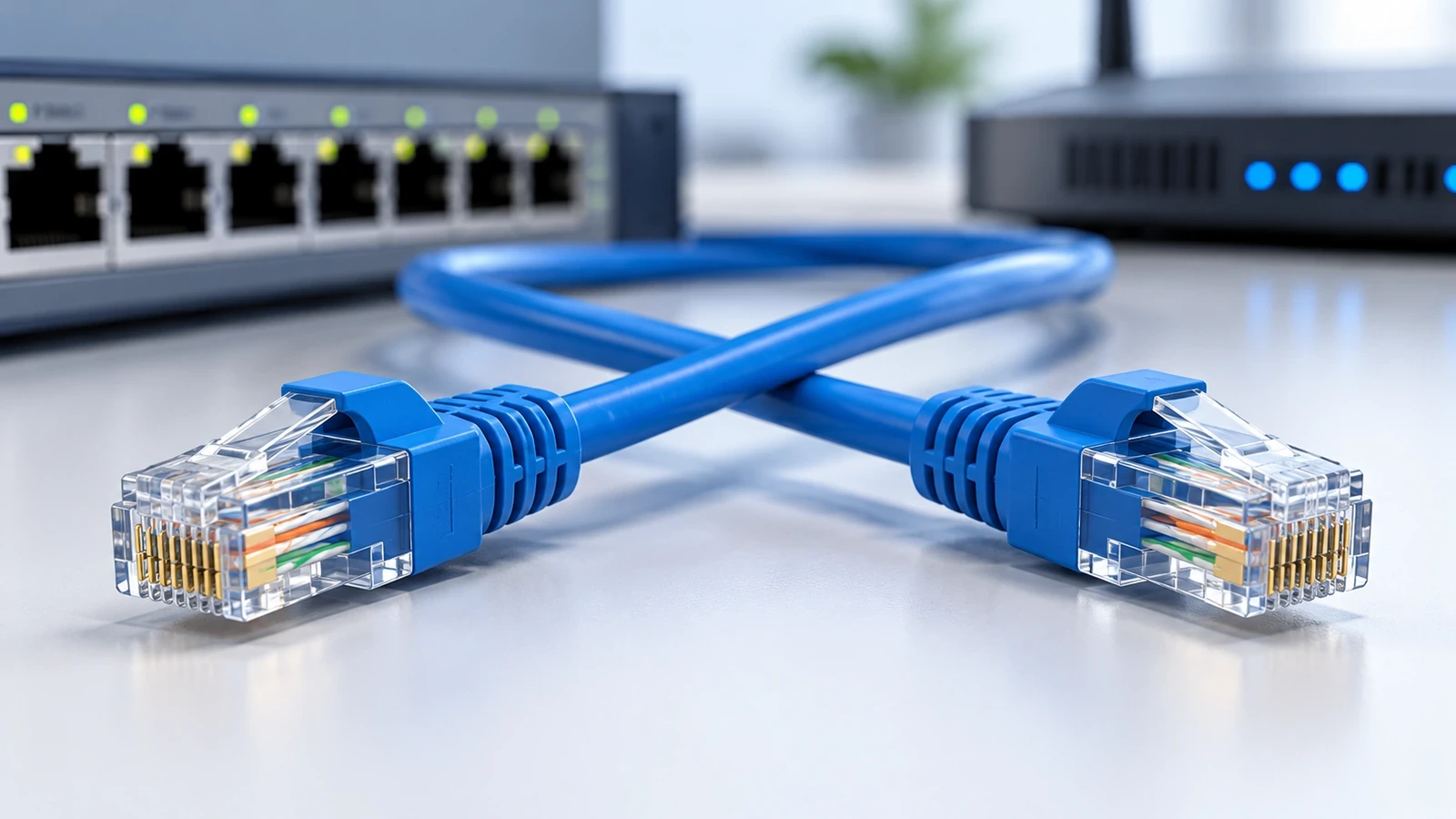
Ethernet Crossover Cable: What It Is and When to Use One
An Ethernet crossover cable is a type of twisted-pair Ethernet cable wired so that the transmit and receive paths are crossed between its ends. It was traditionally used for direct connections between similar Ethernet interfaces when those ports could not automatically correct the wiring. Whether you need one today depends on the ports and features supported by the devices you are connecting.
The key distinction is the wiring, not the cable’s outer color or appearance. A crossover cable can use a familiar Ethernet cable category such as Cat5e or Cat6, but its pin mapping differs from a straight-through cable. Before buying one, check the equipment documentation and whether Auto-MDI/MDIX is supported and enabled.
What Is an Ethernet Crossover Cable?
An Ethernet crossover cable connects transmit and receive paths differently at its two ends. This arrangement was useful when two ports had the same interface wiring and neither port could automatically adjust the connection. It allowed certain devices to communicate directly without an intermediate switch or hub.
A crossover cable is not a separate Ethernet performance category. Cat5e, Cat6, and other cable categories describe performance characteristics, while crossover and straight-through describe how the conductors are terminated. A cable’s category, length, construction, and condition still matter for the network speed and reliability it can support.
Crossover vs. Straight-Through Ethernet Cable
A straight-through cable uses the same wiring standard at both ends, such as T568A at both ends or T568B at both ends. A traditional crossover cable uses a different pin mapping between the ends. For common 10/100BASE-TX wiring, one familiar arrangement uses T568A on one end and T568B on the other.
Do not assume that one simplified pinout applies to every Ethernet speed or device. Gigabit and other interfaces can have additional requirements, and equipment documentation should take precedence when a specific crossover pinout is required.
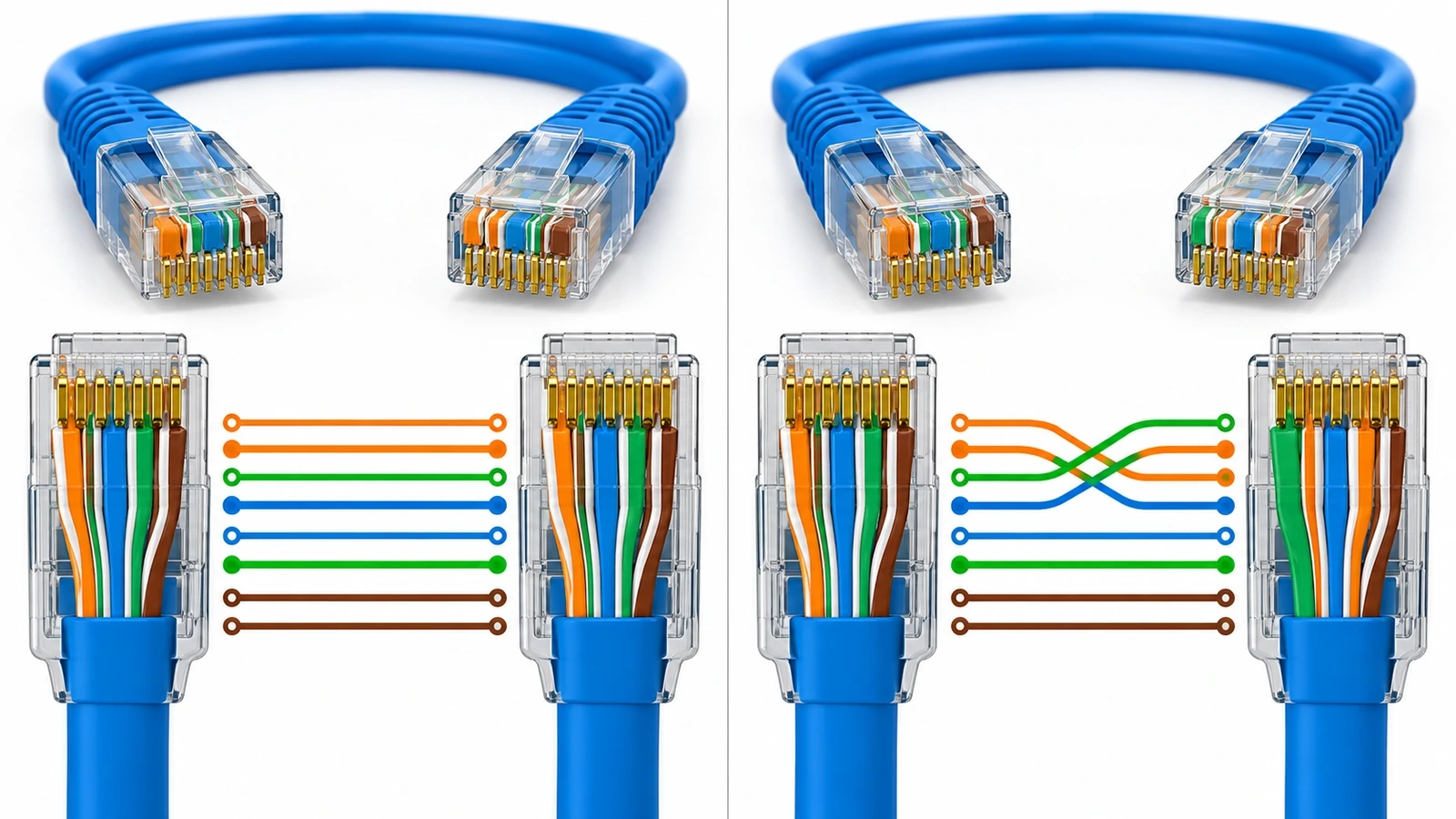
| Feature | Straight-through cable | Crossover cable |
|---|---|---|
| Wiring at the ends | Same wiring standard at both ends | Transmit and receive paths are crossed according to the required pinout |
| Traditional use | Connecting different interface types, such as a computer to a switch | Connecting similar interface types when automatic crossover is unavailable |
| Modern use | Common general-purpose Ethernet patch cable | Needed only for compatible scenarios that specifically require crossover wiring |
| Speed by itself | Does not determine speed alone | Does not increase speed by itself |
When Might You Need a Crossover Cable?
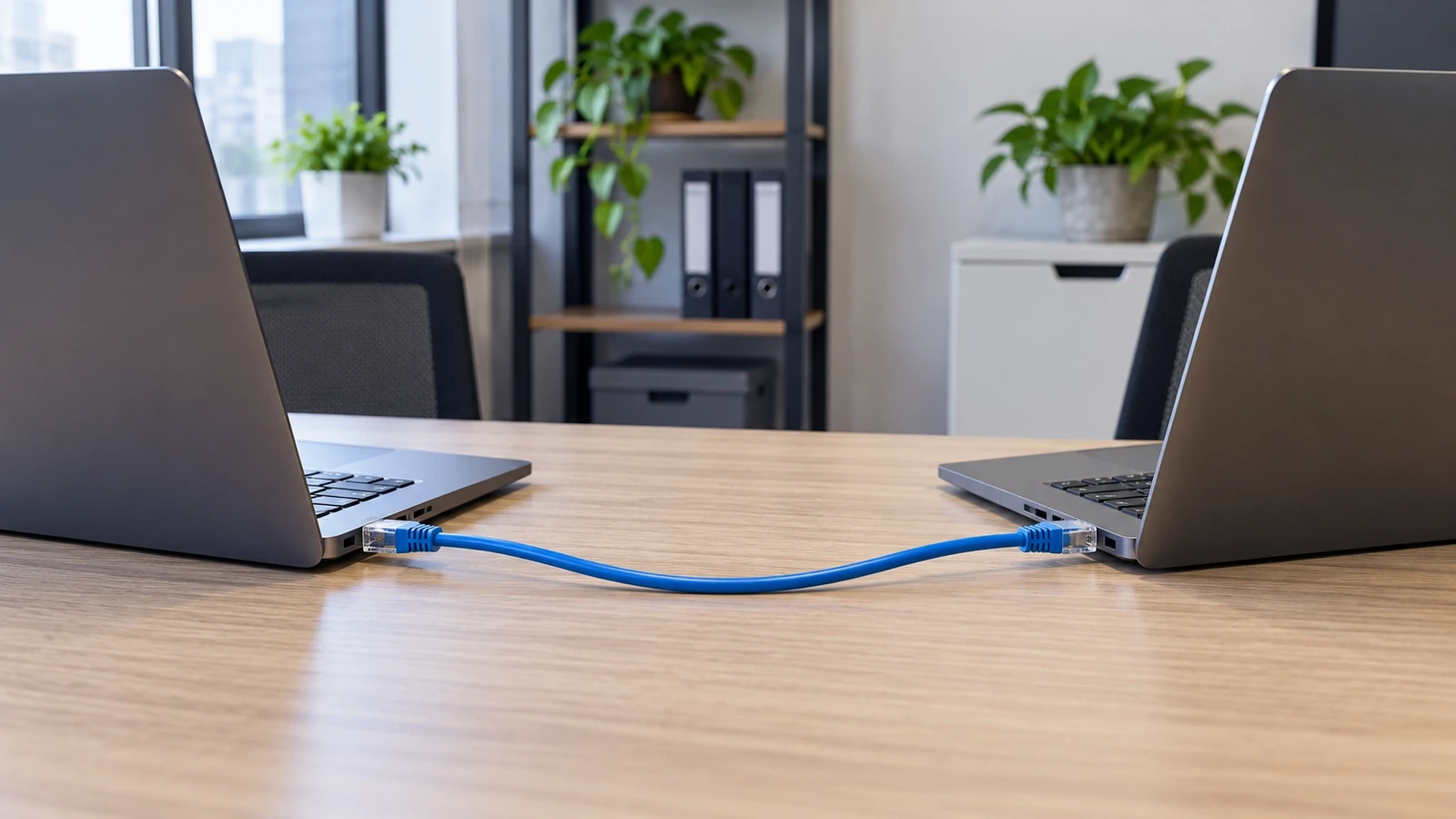
Historically, crossover cables were used for direct connections such as switch-to-switch, computer-to-computer, or router-to-router when the connected ports lacked Auto-MDI/MDIX. The exact requirement depends on the interface wiring of the two ports, so device type alone is not a reliable way to choose a cable.
For example, two older switches may require a crossover cable if neither port can automatically adjust its transmit and receive paths. A direct connection between two computers may have the same requirement on older network interfaces. Always check the device manual or port documentation before assuming a crossover cable is necessary.
Do Modern Devices Still Need Crossover Cables?
Often, no. Many modern Ethernet interfaces support Auto-MDI/MDIX, a feature that detects the required transmit/receive relationship and adjusts the interface internally. When this feature is supported and enabled, a device can often establish a link with either a straight-through or a crossover cable.
Support is not universal across every device, port, or configuration. Older equipment, fixed interface settings, or specialized network hardware may behave differently. If a link does not come up, check the equipment specifications, link indicators, cable condition, port configuration, and required cable type rather than assuming the problem is always the cable wiring.
How to Choose and Check an Ethernet Cable
Before ordering or replacing a cable, confirm these details:
- Port capability: check whether both connected interfaces support Auto-MDI/MDIX and whether it is enabled.
- Required wiring: follow the device documentation if a specific crossover or straight-through pinout is required.
- Cable category: choose a category appropriate for the intended link speed and installation requirements.
- Length and routing: select a suitable length and avoid sharp bends, crushing, or tension on the cable.
- Condition and termination: inspect the RJ45 plugs and use a cable tester if you need to verify continuity and pin mapping.
- Labels and records: use the product specification or test result rather than relying on jacket color to identify a crossover cable.
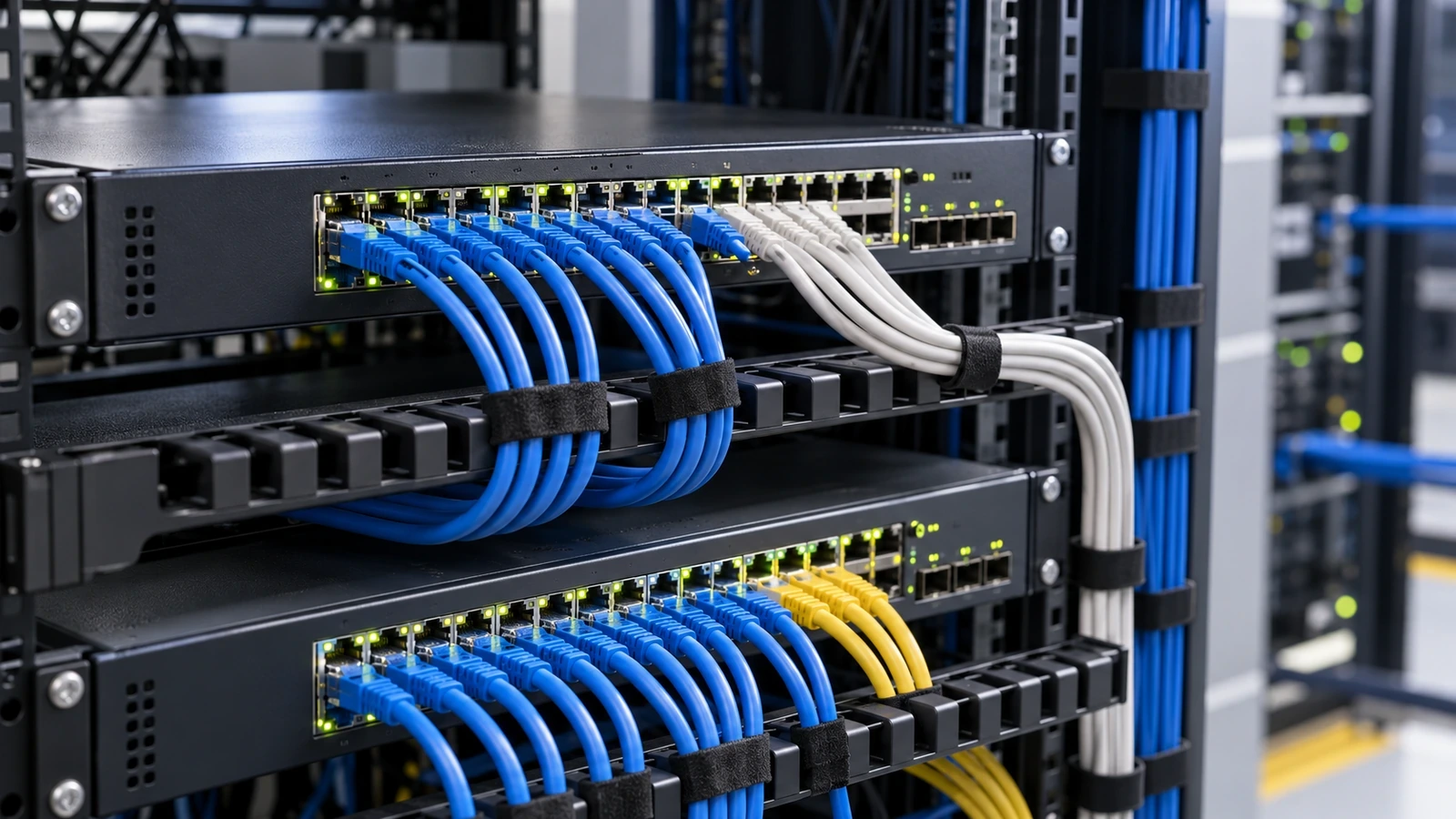
For general Ethernet cable options, visit CableFam’s Ethernet Cables category. Compare the cable category and product specifications with the requirements of your equipment and installation.
Common Mistakes to Avoid
- Assuming every direct connection needs a crossover cable: many modern interfaces can correct the wiring automatically.
- Choosing by cable color: jacket color does not reliably identify the pin mapping.
- Confusing cable category with wiring type: Cat5e or Cat6 does not by itself tell you whether a cable is crossover or straight-through.
- Assuming a crossover cable is faster: it changes the wiring relationship; it does not automatically increase bandwidth or speed.
- Ignoring the device manual: older and specialized interfaces may have specific wiring requirements.
FAQ
What is an Ethernet crossover cable used for?
It was traditionally used to connect similar Ethernet interfaces directly when the ports could not automatically adjust their transmit and receive paths. Whether it is needed today depends on the connected equipment.
Can I use a straight-through cable instead of a crossover cable?
Often, yes, if the connected interfaces support and enable Auto-MDI/MDIX. If the equipment lacks that feature or specifies a particular wiring type, follow the manufacturer’s instructions.
Does an Ethernet crossover cable increase network speed?
No. Crossover wiring changes the transmit/receive pin mapping; it does not independently increase speed, bandwidth, or maximum cable length.
How can I tell whether a cable is a crossover cable?
Check the product label or specification, inspect the wiring against the applicable pinout, or use a cable tester that can identify pin mapping. Do not rely on the jacket color alone.
Conclusion
An Ethernet crossover cable changes the wiring relationship between its ends and was important for certain direct connections on older network interfaces. Because many modern ports support Auto-MDI/MDIX, a dedicated crossover cable is not always necessary. Confirm the port capabilities, required pinout, cable category, and installation conditions before choosing a cable.
Verwandte Produkte
-

Standard Speed HDMI-zu-Micro-HDMI-Kabel mit Ethernet 2M Schwarz
€6.99 -
FC/UPC to FC/UPC OS2 Simplex Single-Mode Fiber Patch Cord, 2.0mm LSZH
Preisspanne: €2.01 bis €4.21 Dieses Produkt weist mehrere Varianten auf. Die Optionen können auf der Produktseite gewählt werden -
Cat5e/Cat6/Cat6a RJ45 werkzeugfreie, modulare Stecker mit Zuglasche, geschirmte Netzwerkstecker für 23~26AWG Twisted Pair Massiv- oder Litzenkabel (10er-Pack)
€62.10 -
Cat6a 24AWG Snagless Ungeschirmt (U/UTP) PVC CM Ethernet Netzwerk Patch Kabel
Preisspanne: €4.05 bis €23.40 Dieses Produkt weist mehrere Varianten auf. Die Optionen können auf der Produktseite gewählt werden -
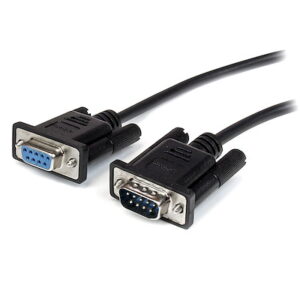
Schwarzes serielles Durchgangskabel DB9 RS232 - M/F
Preisspanne: €4.99 bis €5.99 Dieses Produkt weist mehrere Varianten auf. Die Optionen können auf der Produktseite gewählt werden -
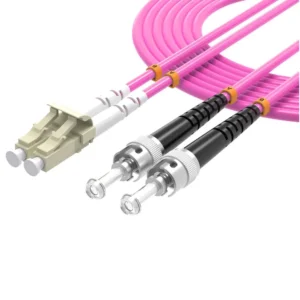
OM4 Duplex Glasfaser-Patchkabel LC UPC-ST UPC, 50/125µm Multimode, LSZH-Mantel für 40G-100G Rechenzentrum-Netzwerke
Preisspanne: €3.68 bis €10.88 Dieses Produkt weist mehrere Varianten auf. Die Optionen können auf der Produktseite gewählt werden -
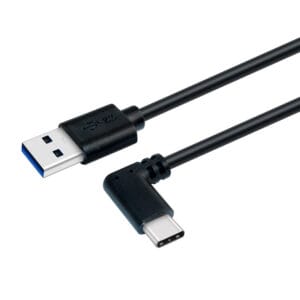
0,5m/1m/2m USB-A auf USB-C Schnellladekabel, robust, gewinkelt, Laden & Synchronisieren, 3A, USB 2.0, TPE-Ummantelung und Aramidfaser – USB-Ladekabel
Preisspanne: €7.99 bis €9.99 Dieses Produkt weist mehrere Varianten auf. Die Optionen können auf der Produktseite gewählt werden -
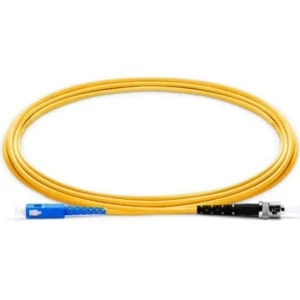
SC UPC to ST UPC Fiber Patch Cord, OS2 Single Mode Simplex, 2.0mm LSZH
Preisspanne: €1.92 bis €5.47 Dieses Produkt weist mehrere Varianten auf. Die Optionen können auf der Produktseite gewählt werden