 كابلات شبكة إيثرنت Cat5e
 كابلات إيثرنت Cat6
 كابلات إيثرنت Cat6a
 كابلات Cat8
 كابلات إيثرنت بالجملة
 موصلات ومقابس
 إدارة الكابلات
 أدوات ومختبرات الشبكة
 OS2 أحادي الوضع بسيط
 أو إس 2 أحادي الوضع مزدوج
 أوم 3 ألياف متعددة الأوضاع
 OM4 متعدد الأوضاع
 OM2 متعدد الأوضاع
 OM5 متعدد الأوضاع
 كابلات MTP/MPO
 كابلات توصيل مخصصة
 مكونات الألياف الضوئية
 المواد والأدوات التنظيفية
 كابلات DisplayPort
 كابلات Mini DisplayPort
 كابلات HDMI
 كابلات HDMI مصغرة/ميكرو
 كابلات DVI
 كابلات VGA
 كابلات الصوت
 كابلات ثندربولت
 كابلات USB-C
 كابلات USB 3.0
 كابلات الطاقة
 كابلات SATA
 كابلات متسلسلة
لا توجد منتجات في سلة المشتريات.
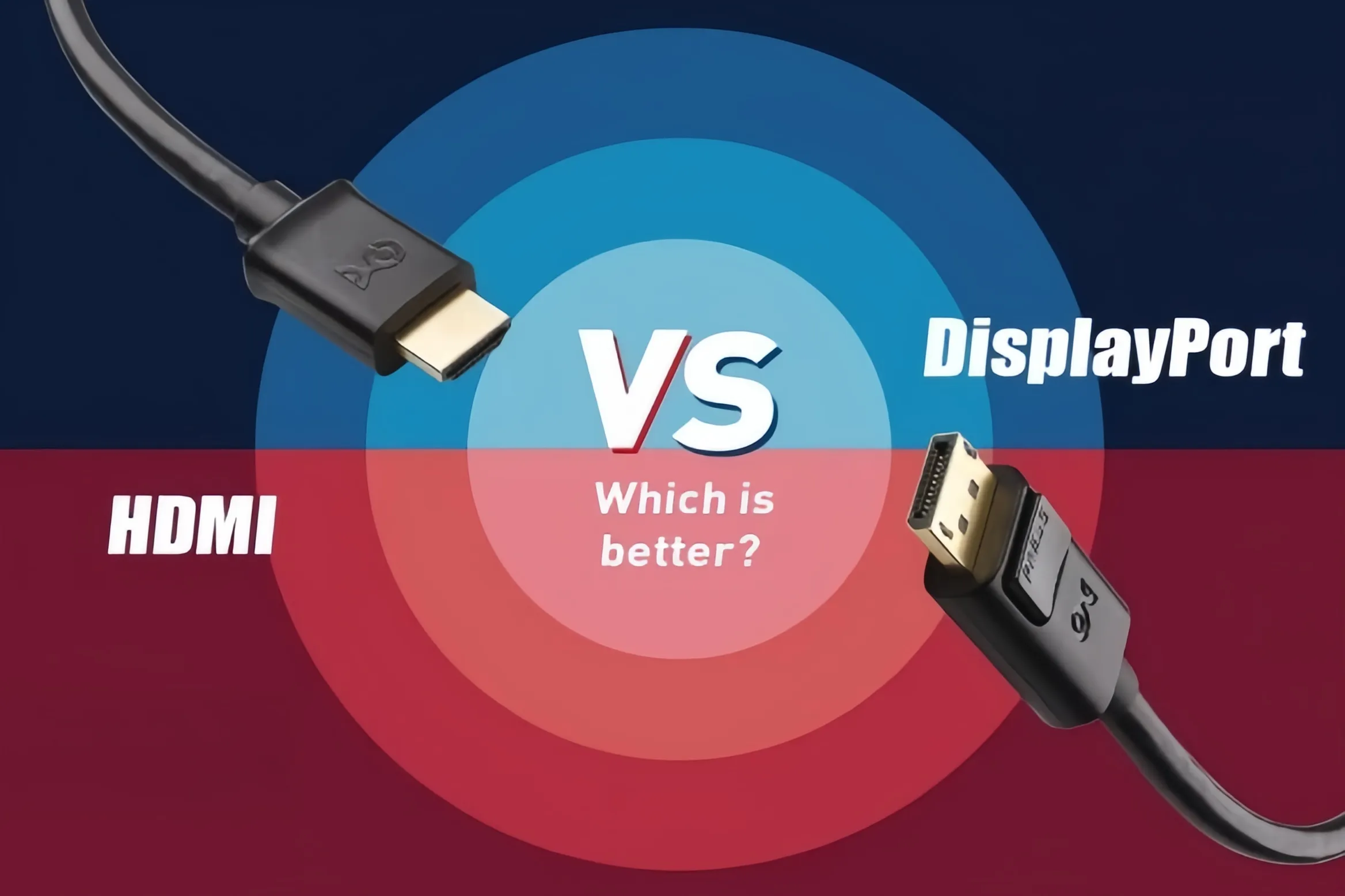
ديسبلاي فورت مقابل إتش دي إم آي: أيهما أفضل؟ الدليل الشامل لواجهات العرض
When building a PC, upgrading a monitor, or setting up a home theater system, DisplayPort (DP) and HDMI are the two most common audio/video interfaces you will encounter. While both cables transmit video and sound, they differ significantly in underlying technology, bandwidth capacity, and optimal use cases. Should you choose DisplayPort or HDMI? This guide breaks down their core specifications, key advantages, and best scenarios.
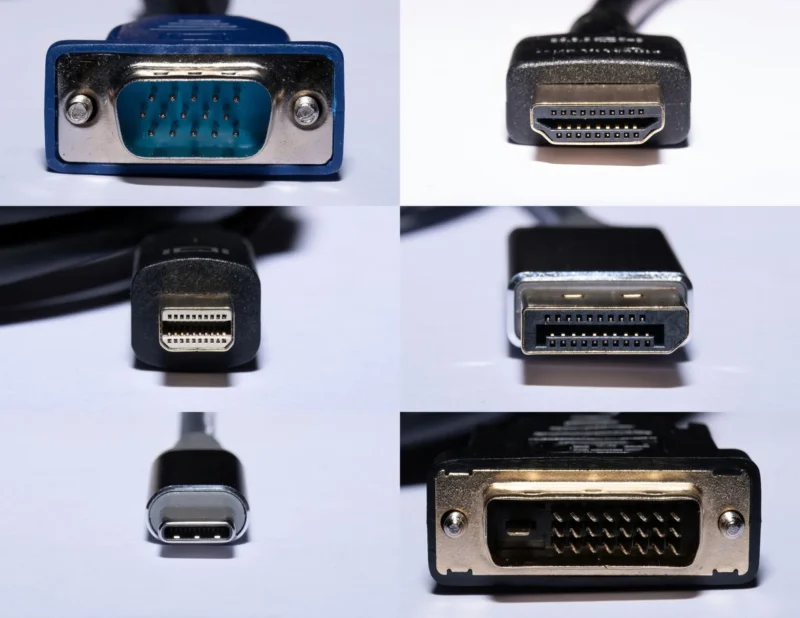
1. Core Positioning: PC Ecosystem vs. Consumer Electronics
- HDMI (High-Definition Multimedia Interface): Developed by a consortium of TV and consumer electronics giants, HDMI was designed to connect TVs, set-top boxes, gaming consoles (such as PS5 and Xbox Series X), and sound systems. It emphasizes broad device compatibility and advanced audio transmission, offering features like eARC (Enhanced Audio Return Channel), making it the standard interface for living room entertainment.
- DisplayPort (DP): Developed by VESA (Video Electronics Standards Association), DP was specifically engineered for PC hardware and professional monitors. Built for high data throughput from day one, DisplayPort natively supports MST (Multi-Stream Transport), allowing users to daisy-chain multiple monitors together using a single port on their graphics card.
2. Key Specifications Comparison (Mainstream Versions)
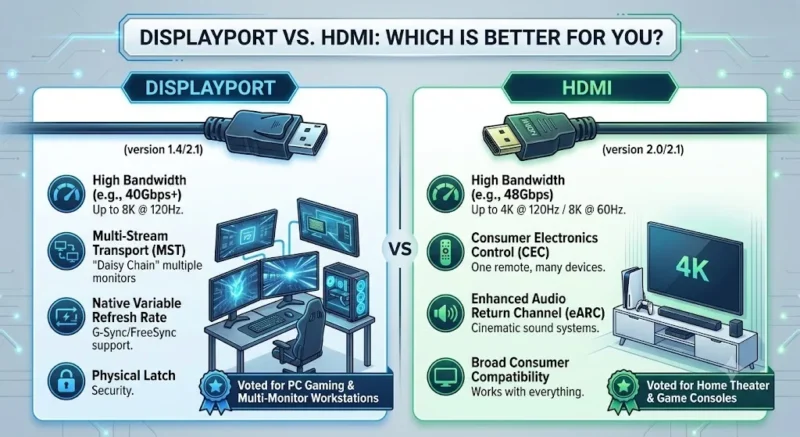
An interface’s performance ceiling depends on its protocol version. Here is how the mainstream high-end standards—HDMI 2.1 and DisplayPort 2.1—compare head-to-head:
| Feature / Spec | HDMI 2.1 | DisplayPort 2.1 |
| Max Total Bandwidth | 48 Gbps | Up to 80 Gbps (UHBR20) |
| Max Uncompressed Output | 4K @ 120Hz / 8K @ 60Hz | 4K @ 240Hz / 8K @ 120Hz |
| Variable Refresh Rate (VRR) | HDMI VRR, AMD FreeSync | Native compatibility with NVIDIA G-Sync & AMD FreeSync |
| Daisy-Chaining (MST) | Not supported (requires splitters) | Supported (single cable for multiple monitors) |
| Physical Latch | Friction fit (no latch) | Physical locking mechanism on most cables |
3. Scenario Matching: Which Should You Choose?
1. Esports & High-Refresh PC Gamers: Choose DisplayPort
If you are running an NVIDIA or AMD high-performance graphics card paired with a 144Hz, 240Hz, or higher refresh rate gaming monitor, DisplayPort is your best choice. DP provides seamless native integration for G-Sync and FreeSync technology, along with sufficient bandwidth overhead for ultra-high resolutions and extreme frame rates.

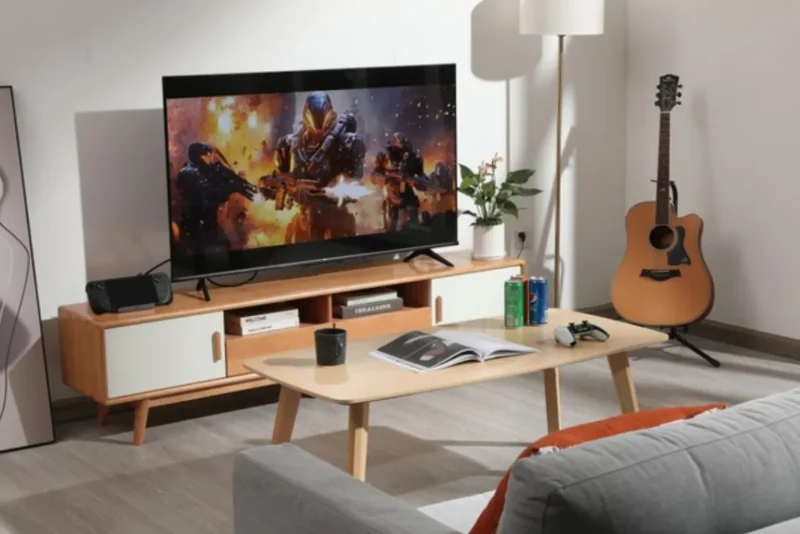
2. Living Room TVs & Gaming Consoles: Choose HDMI
If you are hooking up a PS5, Xbox Series X, or Nintendo Switch, or connecting your PC to a 4K OLED TV, HDMI 2.1 is essential. Most TVs do not feature DisplayPort inputs, and HDMI offers consumer-centric features like HDMI-CEC (one remote control for multiple devices) and eARC passthrough for Dolby Atmos audio setups.
3. Multi-Monitor Productivity: Choose DisplayPort
For video editors, programmers, and financial analysts who rely on dual or triple monitor setups, monitors supporting DP Daisy Chaining allow a clean “GPU -> Monitor A -> Monitor B” topology, drastically reducing desktop cable clutter.
Summary
Your choice ultimately depends on your target display: Use HDMI 2.1 for TVs and gaming consoles; use DisplayPort 1.4 or 2.1 for PC graphics cards and high-refresh-rate gaming monitors.
منتجات ذات صلة
-

Duplex OM2 Multimode Fiber Patch Cord SC UPC to SC UPC, LSZH Jacket High‑Bandwidth Optical Jumper for Data Center LAN Short‑Reach Cabling
نطاق السعر: من $3.11 خلال $7.36 هناك العديد من الأشكال المختلفة لهذا المنتج. يمكن اختيار الخيارات على صفحة المنتج -
12 Fiber OM3 MPO to LC Breakout Cable, 6 LC Duplex, Elite, Type B
نطاق السعر: من $23.82 خلال $36.99 هناك العديد من الأشكال المختلفة لهذا المنتج. يمكن اختيار الخيارات على صفحة المنتج -
وحدة مقبس كيستون كاجري آر جيه 45 (8P8C) كات 6 غير محمية بنظام التوصيل بالضغط، (10 قطع/عبوة)
$19.80 هناك العديد من الأشكال المختلفة لهذا المنتج. يمكن اختيار الخيارات على صفحة المنتج -
Blue Cat6a 26AWG Ethernet Cable – UTP RJ45 Patch Cord, 1-20m
نطاق السعر: من $1.35 خلال $3.08 هناك العديد من الأشكال المختلفة لهذا المنتج. يمكن اختيار الخيارات على صفحة المنتج -
SC to ST OM3 Fiber Patch Cable, UPC Duplex, 50/125μm LSZH 2.0mm
نطاق السعر: من $3.40 خلال $9.33 هناك العديد من الأشكال المختلفة لهذا المنتج. يمكن اختيار الخيارات على صفحة المنتج -
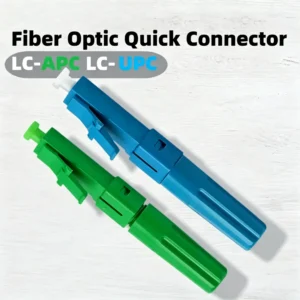
LC Fast Assembly Fiber Connector APC/UPC | FTTH Field Termination
نطاق السعر: من $3.20 خلال $3.30 هناك العديد من الأشكال المختلفة لهذا المنتج. يمكن اختيار الخيارات على صفحة المنتج -
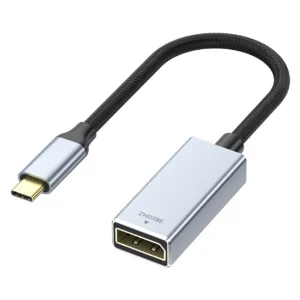
USB-C to DisplayPort Adapter – DP 1.4, 8K Female Port
$7.72 -
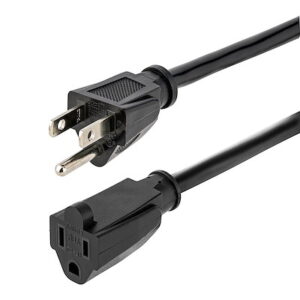
سلك تمديد للطاقة، سلك تمديد أسود من NEMA 5-15R إلى NEMA 5-15P، 13 أمبير 125 فولت، 16AWG، كابل طاقة لتمديد المقابس، سلك طاقة للكمبيوتر المتردد من NEMA 5-15R إلى NEMA 5-15P - معتمد من UL
نطاق السعر: من $5.99 خلال $12.99 هناك العديد من الأشكال المختلفة لهذا المنتج. يمكن اختيار الخيارات على صفحة المنتج