 Cat5e Ethernet Cables
 Cat6 Ethernet Cables
 Cat6a Ethernet Cables
 Cat8 Cables
 Bulk Ethernet Cables
 Connectors & Jacks
 Cable Management
 Network Tools & Testers
 OS2 Singlemode Simplex
 OS2 Singlemode Duplex
 OM3 Multimode Fiber
 OM4 Multimode
 OM2 Multimode
 OM5 Multimode
 MTP/MPO Cables
 Patch Cables Custom
 Fiber Optic Components
 Cleaners & Tools
 DisplayPort Cables
 Mini DisplayPort Cables
 HDMI Cables
 HDMI Mini/Micro Cables
 DVI Cables
 VGA Cables
 Audio Cables
 Thunderbolt Cables
 USB-C Cables
 USB 3.0 Cables
 Power Cables
 SATA Cables
 Serial Cables
No products in the cart.
C13 Power Cords: What They Are and How to Choose the Right One
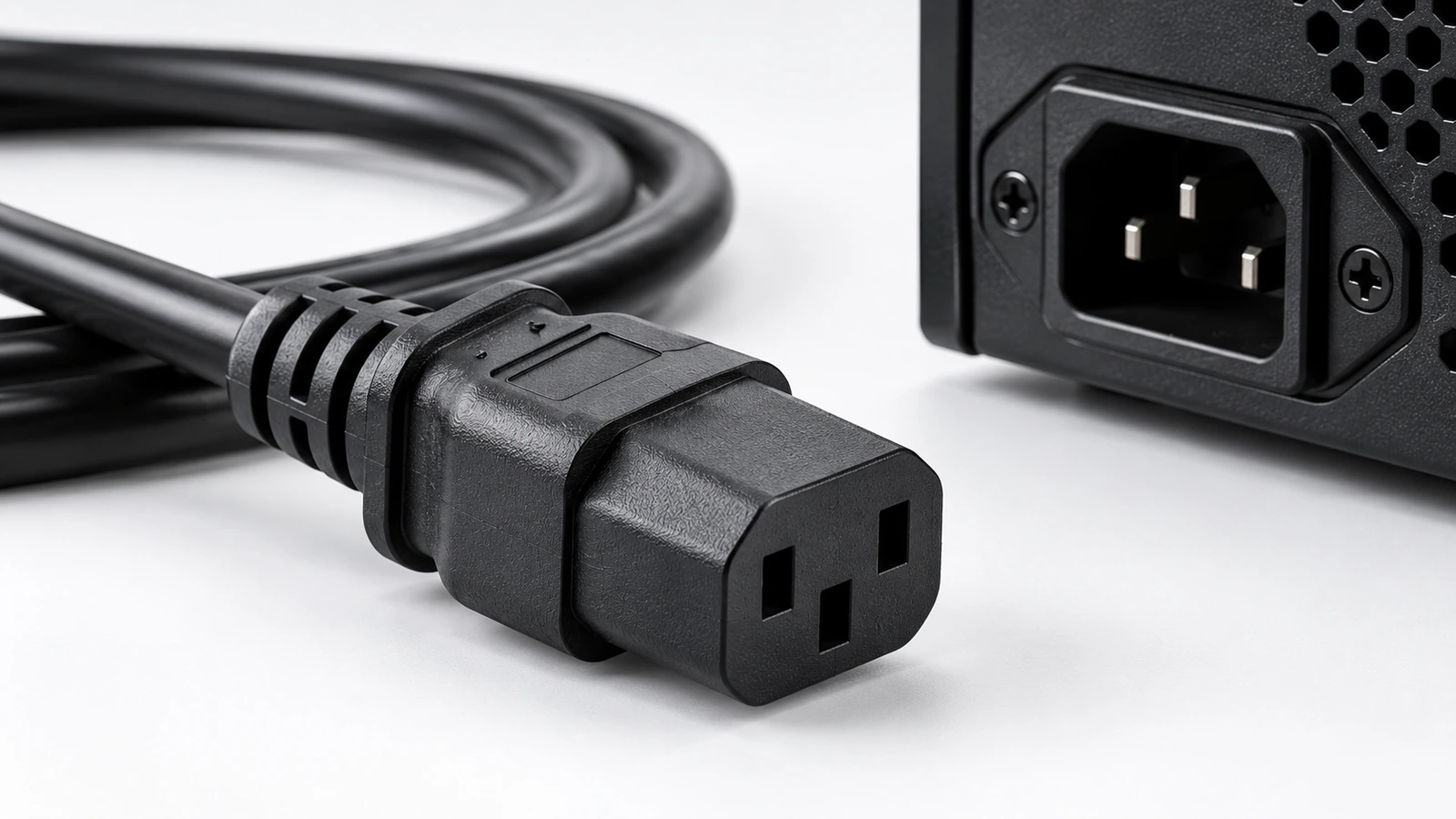
A C13 power cord is commonly used to connect computers, monitors, networking equipment, and other devices that have a compatible IEC 60320 C14 power inlet. The C13 connector is on the cable side; the matching C14 inlet is built into the equipment. To choose the right cord, check both connection ends, the equipment requirements, and the rating of the complete cable assembly.
The term “C13 cable” does not describe every part of a power cord. One end may use a country-specific wall plug, while the equipment end uses a C13 connector. Other cords connect a PDU outlet to equipment inside a rack. The correct choice depends on where the cord starts, where it ends, and what the connected equipment specifies.
What Is a C13 Power Cord?
C13 is an IEC 60320 connector type commonly found on the equipment end of detachable AC power cords. Its three-contact shape includes protective earth for compatible Class I equipment. The C13 connector mates with a C14 equipment inlet, which has the corresponding pins.
C13 is a connector designation, not a complete description of the cord. A purchase specification should also identify the plug at the power-source end, cable length, conductor size, jacket or cable type, and applicable electrical ratings. If the cord is intended for a particular market, confirm that the plug and complete assembly meet that market’s requirements.
How to Identify a C13 Connector
Look at the cable-end connector and the equipment inlet separately. A C13 cable connector has recessed contacts; the matching C14 inlet on the device has pins. Connector families can look similar in product photos, so use the moulded identification, equipment label, product drawing, or manufacturer specification whenever available.
C13 vs. C14: The Connector and the Equipment Inlet
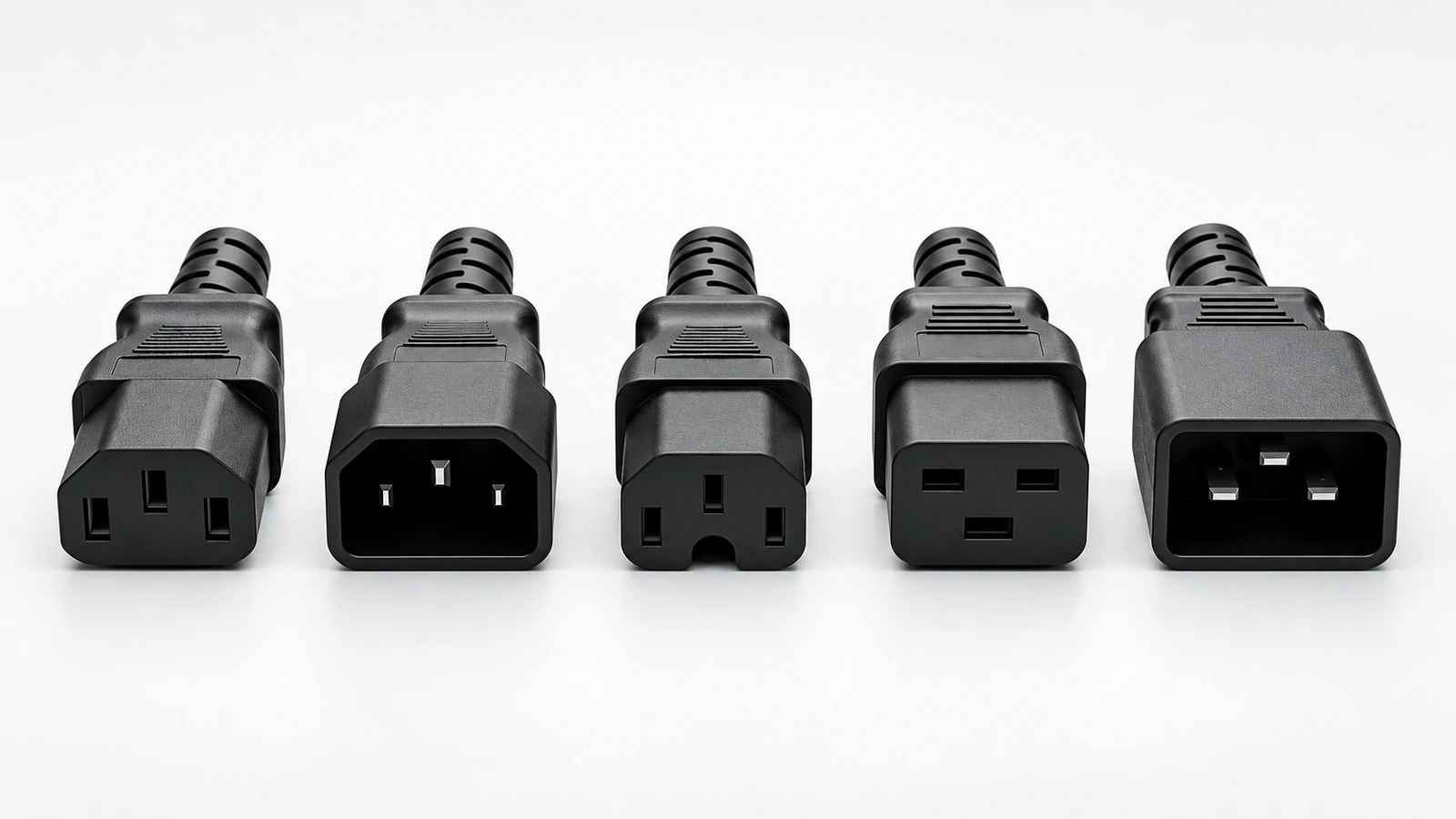
C13 and C14 are the two sides of a matching connection, not interchangeable names for the same part. C13 normally describes the cable-mounted connector, while C14 describes the equipment inlet. For example, a cord that connects a PDU’s C13 outlet to a device’s C14 inlet is commonly described by both ends, such as a C14-to-C13 power cord.
When ordering a replacement cord, check the inlet on the device and the outlet or socket on the power source. Do not select a cable from the C13 keyword alone: the other end might need a regional wall plug, a C14 plug, or another specified connection.
C13 vs. C15 and C19: Key Differences
| Connector family | Matching equipment inlet | Typical distinction | What to check |
|---|---|---|---|
| C13 | C14 | Common connector for many computers, monitors, and IT devices | Confirm the C14 inlet and the complete cord rating |
| C15 | C16 | Designed for higher-temperature connection conditions; the keyed shape distinguishes it from C13 | Confirm that the equipment requires the C15/C16 pairing and suitable cable temperature rating |
| C19 | C20 | Larger connector family used for equipment designed for this connection | Confirm the C20 inlet, current requirements, and the rating of the complete cord |
These connector families are not simple upgrades from one another. C15 is associated with a higher-temperature C16 inlet, while C19 is a larger connector designed for a C20 inlet. Use the equipment’s specified connector and do not force a connector that does not match the inlet.
Electrical ratings vary by market and by the exact cordset. An IEC connector’s rating alone does not guarantee that the finished cord has the same rating: the wall plug, cable, conductor size, terminals, approvals, and conditions of use all matter. Always follow the product label and equipment documentation.
Where Are C13 Power Cords Used?
C13 power cords are commonly used with desktop computers, monitors, printers, network switches, and other office or IT equipment that provides a compatible C14 inlet. The connector family is common, but not universal; smaller adapters and some appliances use different connector types.
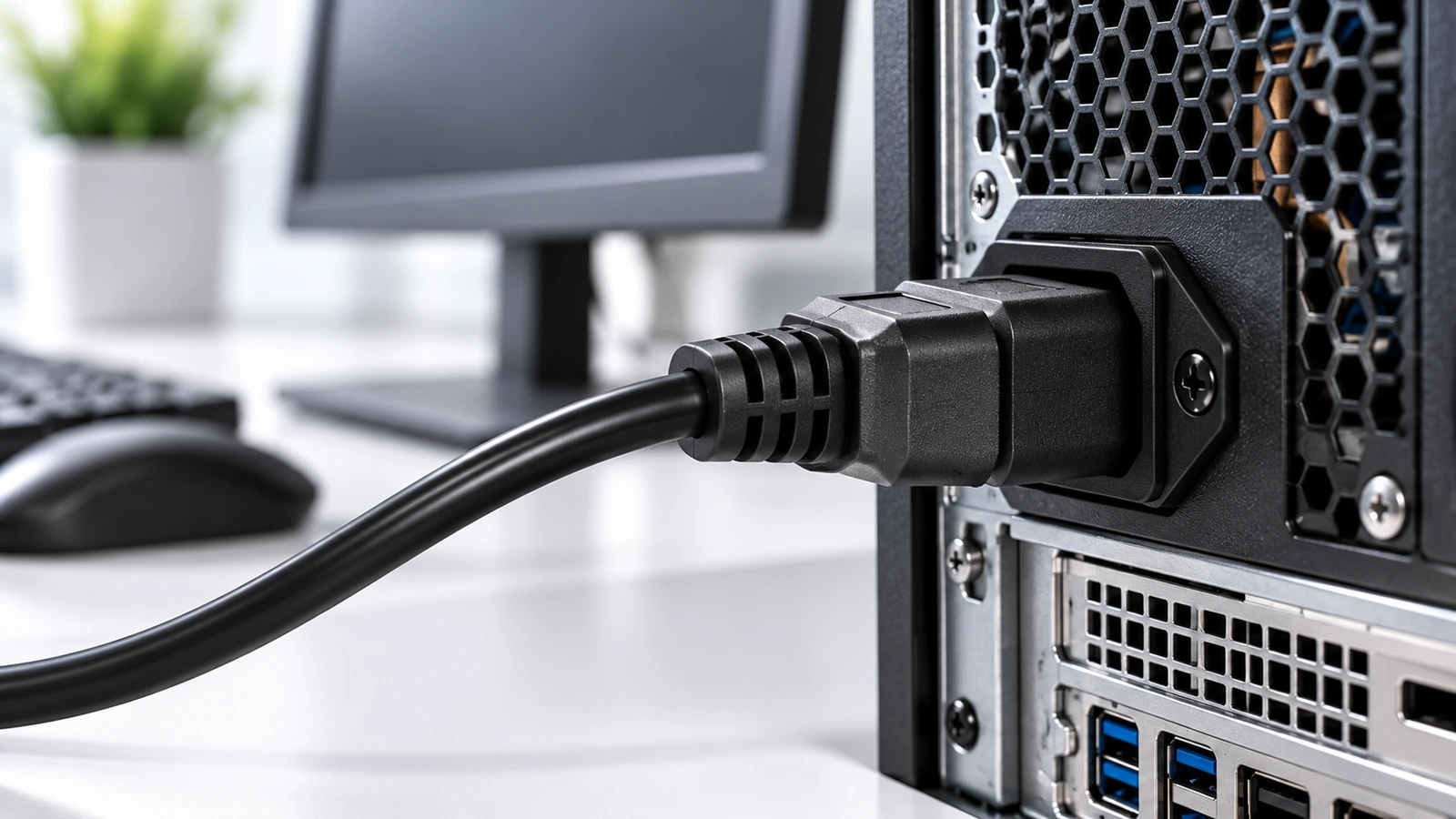
For office installations, the cord’s wall plug must match the local outlet, and the cord must meet the equipment’s voltage, current, and safety requirements. For replacement purchases, also check length and routing so the cable can reach without being stretched, pinched, or placed under tension.
Using C13 Cords in a Rack or PDU Setup
In a server rack, the power distribution unit (PDU) and the equipment determine the cord ends. A PDU may provide C13 outlets for cords that terminate in C14 plugs at the source end and C13 connectors at the equipment end. Other PDU and equipment combinations use different connector families, so verify both sides rather than assuming every rack cord is the same.
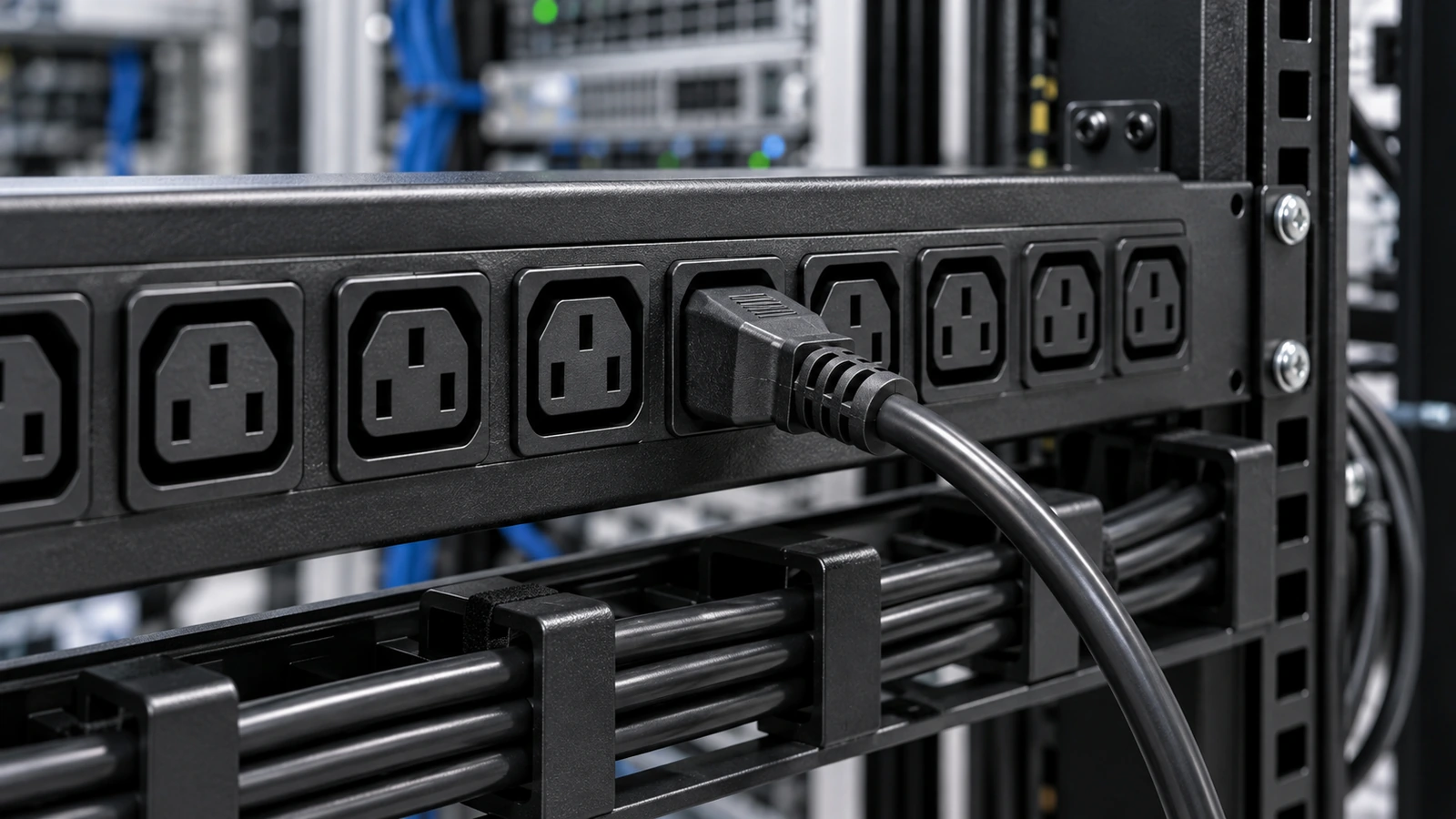
Before ordering rack power cords, confirm connector type at each end, cable length, current and voltage requirements, cable routing, and any required locking or angled connector design. The lowest-rated component in the complete assembly may limit the cord’s usable rating.
C13 Power Cord Buying Checklist
- Equipment inlet: verify that the device has a C14 inlet rather than a C16, C20, or another type.
- Power-source end: identify the required wall plug or PDU-side connector.
- Electrical rating: check the equipment requirements and the rating of the complete cord assembly.
- Cable construction: confirm the required length, conductor size, jacket type, and environmental conditions.
- Market and approvals: make sure the plug, cord, and any required approvals are suitable for the country and application.
- Physical fit: consider straight or angled connectors, available clearance, bend radius, and cable management.
To browse CableFam’s available power cable options, visit the Power Cables category. Compare the full connector combination and product specifications before choosing a cord for a particular device or rack.
FAQ
Does a C13 connector fit a C14 inlet?
Yes. C13 is the cable-side connector designed to mate with a C14 equipment inlet. Check the identification on the device and the cord specification before ordering.
Is C13 the same as C15?
No. C13 normally mates with C14, while C15 is designed for a C16 high-temperature inlet. Check the connector keying and the equipment’s required temperature rating.
Can I choose a C13 cord by connector shape alone?
No. Verify the connector at both ends, the equipment’s electrical requirements, the complete cord rating, cable length, and the requirements of the country where it will be used.
Conclusion
A C13 power cord is a common choice for equipment with a compatible C14 inlet, but “C13” alone is not a complete cable specification. Check the power-source connection, equipment inlet, complete cord rating, length, and market requirements before ordering. If the equipment calls for C15/C16 or C19/C20, choose that specified connector family instead of substituting by appearance.
Related Products
-

Black SuperSpeed USB 3.0 (5Gbps) Cable A to B – M/M
Price range: $6.99 through $8.99 This product has multiple variants. The options may be chosen on the product page -
SC APC Fast Assembly Fiber Connector, Pre-Polished Ferrule Single Mode Field Termination Connector
$1.62 This product has multiple variants. The options may be chosen on the product page -
OM5 Duplex Fiber Patch Cord LC UPC‑SC UPC, 50/125μm Multimode LSZH OFNR, Lime Green Wide‑Band Optical Jumper
Price range: $3.97 through $12.88 This product has multiple variants. The options may be chosen on the product page -
Single Mode Fiber Patch Cable – OS2 Simplex LC/UPC to LC/SC/FC/ST, 2.0mm LSZH
Price range: $1.91 through $13.24 This product has multiple variants. The options may be chosen on the product page -
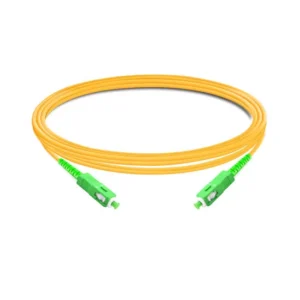
SC/APC to SC/APC OS2 Simplex Single-Mode Fiber Patch Cord, 2.0mm LSZH
Price range: $1.93 through $4.05 This product has multiple variants. The options may be chosen on the product page -
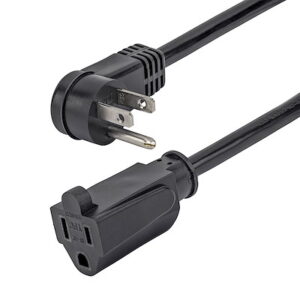
0.5m/1m Power Extension Cord, NEMA5-15R to NEMA5-15P
Price range: $4.99 through $5.99 This product has multiple variants. The options may be chosen on the product page -
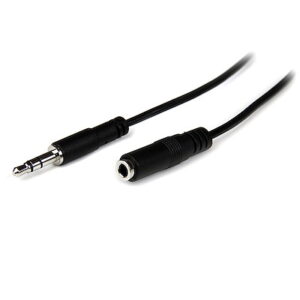
1m/2m 3.5mm 4 Position TRRS Headset Extension Cable – M/F
$5.99 This product has multiple variants. The options may be chosen on the product page -
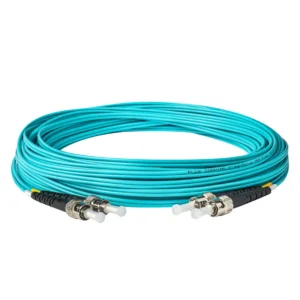
OM3 Duplex Multimode Fiber Patch Cord ST‑UPC to ST‑UPC, Aqua LSZH Jacket 10Gbps, Custom Length Low Insertion Loss for LAN & Data Center
Price range: $3.45 through $9.38 This product has multiple variants. The options may be chosen on the product page