 Cat5e Ethernet Cables
 Cat6 Ethernet Cables
 Cat6a Ethernet Cables
 Cat8 Cables
 Bulk Ethernet Cables
 Connectors & Jacks
 Cable Management
 Network Tools & Testers
 OS2 Singlemode Simplex
 OS2 Singlemode Duplex
 OM3 Multimode Fiber
 OM4 Multimode
 OM2 Multimode
 OM5 Multimode
 MTP/MPO Cables
 Patch Cables Custom
 Fiber Optic Components
 Cleaners & Tools
 DisplayPort Cables
 Mini DisplayPort Cables
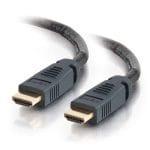 HDMI Cables
 HDMI Mini/Micro Cables
 DVI Cables
 VGA Cables
 Audio Cables
 Thunderbolt Cables
 USB-C Cables
 USB 3.0 Cables
 Power Cables
 SATA Cables
 Serial Cables
No products in the cart.
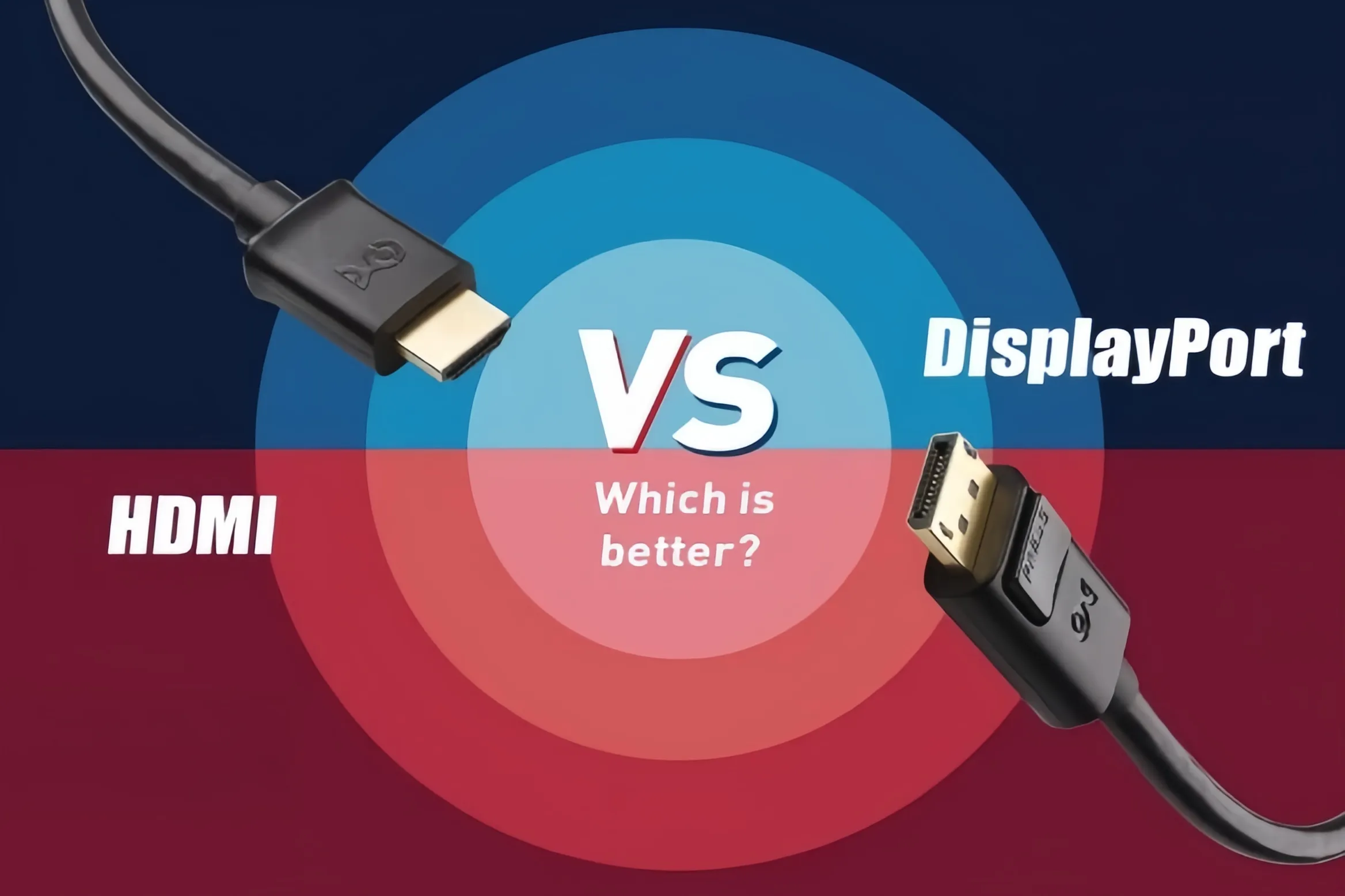
DisplayPort vs. HDMI: Which Is Better? The Ultimate Display Interface Guide
When building a PC, upgrading a monitor, or setting up a home theater system, DisplayPort (DP) and HDMI are the two most common audio/video interfaces you will encounter. While both cables transmit video and sound, they differ significantly in underlying technology, bandwidth capacity, and optimal use cases. Should you choose DisplayPort or HDMI? This guide breaks down their core specifications, key advantages, and best scenarios.
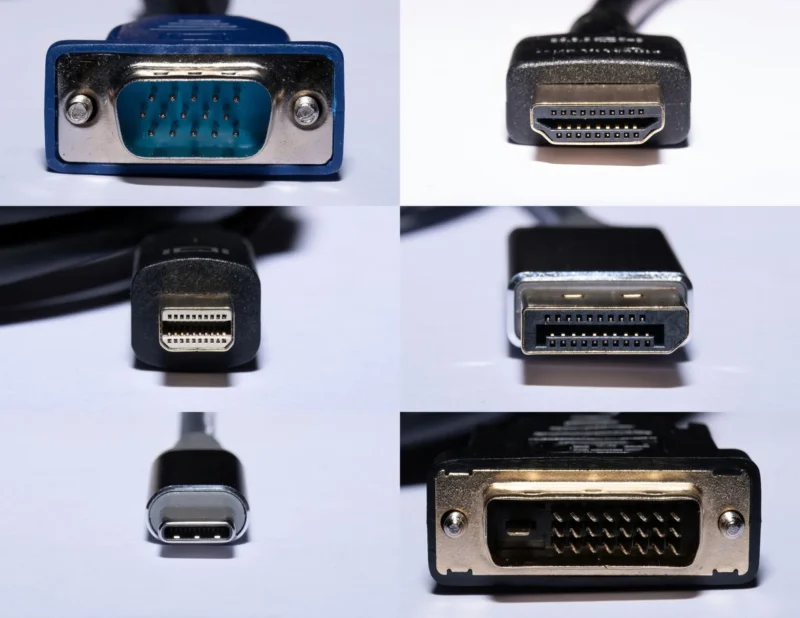
1. Core Positioning: PC Ecosystem vs. Consumer Electronics
- HDMI (High-Definition Multimedia Interface): Developed by a consortium of TV and consumer electronics giants, HDMI was designed to connect TVs, set-top boxes, gaming consoles (such as PS5 and Xbox Series X), and sound systems. It emphasizes broad device compatibility and advanced audio transmission, offering features like eARC (Enhanced Audio Return Channel), making it the standard interface for living room entertainment.
- DisplayPort (DP): Developed by VESA (Video Electronics Standards Association), DP was specifically engineered for PC hardware and professional monitors. Built for high data throughput from day one, DisplayPort natively supports MST (Multi-Stream Transport), allowing users to daisy-chain multiple monitors together using a single port on their graphics card.
2. Key Specifications Comparison (Mainstream Versions)
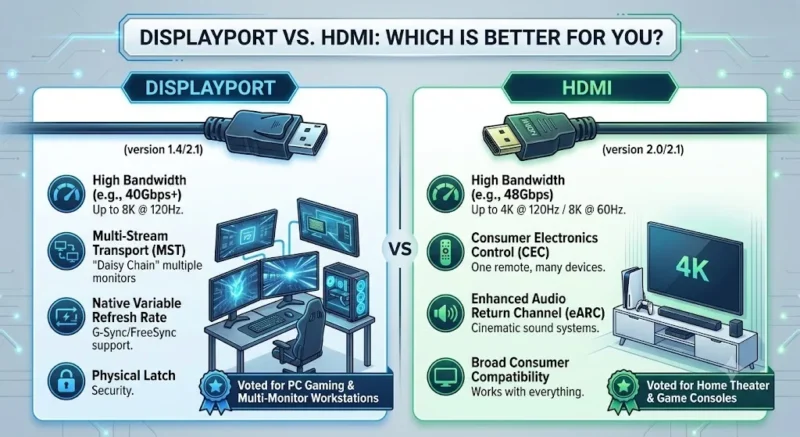
An interface’s performance ceiling depends on its protocol version. Here is how the mainstream high-end standards—HDMI 2.1 and DisplayPort 2.1—compare head-to-head:
| Feature / Spec | HDMI 2.1 | DisplayPort 2.1 |
| Max Total Bandwidth | 48 Gbps | Up to 80 Gbps (UHBR20) |
| Max Uncompressed Output | 4K @ 120Hz / 8K @ 60Hz | 4K @ 240Hz / 8K @ 120Hz |
| Variable Refresh Rate (VRR) | HDMI VRR, AMD FreeSync | Native compatibility with NVIDIA G-Sync & AMD FreeSync |
| Daisy-Chaining (MST) | Not supported (requires splitters) | Supported (single cable for multiple monitors) |
| Physical Latch | Friction fit (no latch) | Physical locking mechanism on most cables |
3. Scenario Matching: Which Should You Choose?
1. Esports & High-Refresh PC Gamers: Choose DisplayPort
If you are running an NVIDIA or AMD high-performance graphics card paired with a 144Hz, 240Hz, or higher refresh rate gaming monitor, DisplayPort is your best choice. DP provides seamless native integration for G-Sync and FreeSync technology, along with sufficient bandwidth overhead for ultra-high resolutions and extreme frame rates.

2. Living Room TVs & Gaming Consoles: Choose HDMI
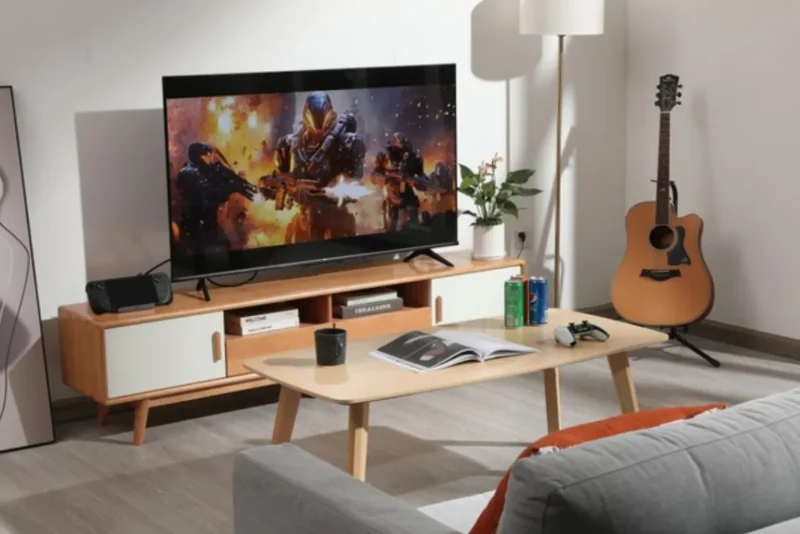
If you are hooking up a PS5, Xbox Series X, or Nintendo Switch, or connecting your PC to a 4K OLED TV, HDMI 2.1 is essential. Most TVs do not feature DisplayPort inputs, and HDMI offers consumer-centric features like HDMI-CEC (one remote control for multiple devices) and eARC passthrough for Dolby Atmos audio setups.
3. Multi-Monitor Productivity: Choose DisplayPort
For video editors, programmers, and financial analysts who rely on dual or triple monitor setups, monitors supporting DP Daisy Chaining allow a clean “GPU -> Monitor A -> Monitor B” topology, drastically reducing desktop cable clutter.
Summary
Your choice ultimately depends on your target display: Use HDMI 2.1 for TVs and gaming consoles; use DisplayPort 1.4 or 2.1 for PC graphics cards and high-refresh-rate gaming monitors.
Related Products
-

Mini DC5521 Waterproof Power Cord DC Female to Type‑C / DC5521 Male Extension Cable for Outdoor Equipment
Price range: $3.99 through $4.11 This product has multiple variants. The options may be chosen on the product page -
Cat6a Ethernet Bulk Cable, 305m, 23AWG Solid Pure Bare Copper Wire, 750MHz, Shielded (U/FTP), PVC CMR, with Reel (Blue)
$487.80 -
Cat6 RJ45 Modular Plugs – Unshielded, 50 Pack
$2.79 -

DVI-D Single Link Cable – M/M
Price range: $6.99 through $7.99 This product has multiple variants. The options may be chosen on the product page -
Blue Cat6a Bulk Ethernet Cable – UTP, 305m Box
$294.71 -
OM3 LC to SC Fiber Patch Cable, Duplex UPC, LSZH
Price range: $3.38 through $9.30 This product has multiple variants. The options may be chosen on the product page -
Heavy Duty Power Cord, NEMA 5-15P to C13 AC Power Cord, 15A 125V, 14AWG, Replacement Computer Power Cord, Monitor Power Cable, NEMA 5-15P to IEC 60320 C13 Power Cord – PC Power Supply Cable
Price range: $6.99 through $8.99 This product has multiple variants. The options may be chosen on the product page -
DVI-D Single Link Cable – M/M
Price range: $8.99 through $9.99 This product has multiple variants. The options may be chosen on the product page